
Incogni Alternatives 2026: Which Service Would I Choose?
The Incogni alternatives I would choose for clearer removal evidence, managed support, a smaller budget or wider identity protection.


The Incogni alternatives I would choose for clearer removal evidence, managed support, a smaller budget or wider identity protection.

My verdict on Incogni’s plans, UK and US pricing, recurring broker requests, custom removals and the evidence behind its progress figures.

My verdict on Optery’s free exposure report, paid plans, screenshot evidence, recurring removals and when I would choose an alternative.
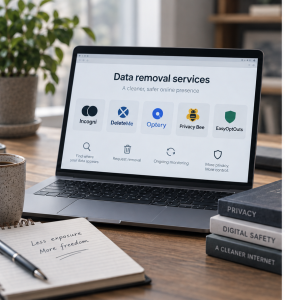
Compare the leading data removal services by country, budget and the kind of help you need, from automated broker clean-up to broader identity protection.

Worried your partner may be hiding something? Compare the best apps to catch a cheating partner, with hands-on testing across messages, social activity, deleted content and location to help you get clearer answers in the age of AI.

Secret social media accounts can make it harder for parents to understand what their child is doing online. In this guide we explain why children hide accounts, the signs parents should look for, and how to respond without pushing them further underground.

Children can bypass parental controls in more ways than most parents realise, from browsers and second devices to VPNs, hidden accounts and factory resets. AI has made those workarounds easier to find and harder for parents to keep up with. Here’s what to watch for, what actually helps, and when the problem needs more than another setting.

Twitch combines live streaming, public chat, private messages and real-money spending, with no parental dashboard for parents. This guide explains the main risks, what parents can and can’t control, and how to make Twitch safer for teenagers.

Disappearing messages can make bullying, grooming, image pressure and risky chats harder for parents to understand. In this guide I explain how deleted chats work, what evidence may still remain, and how to talk to your child before something goes wrong.

Late-night phone use can affect your child’s sleep, mood and online safety. I explain why the bedroom rule matters, how to set it up, and what to do when your child pushes back.

Bullying on social media can be hard to spot because children often hide what’s happening. On this page i’ll walk you through the signs parents should look for, what to save before reporting, and how to support your child without making them feel punished for telling you.

WhatsApp can feel like a normal part of family and school life, but the age limit is only the starting point. This guide explains whether WhatsApp is safe for kids, how the app works, what parents can and cannot see, and how to manage risks around group chats, disappearing messages, unknown contacts, Telegram and Signal.

YouTube can feel safer than social media, but Shorts, recommendations, comments and public channels can still lead children into content or contact parents did not expect. This parent-led guide explains YouTube Kids, Supervised Accounts, Shorts limits, watch history, social media age restrictions and when stronger controls may be needed.
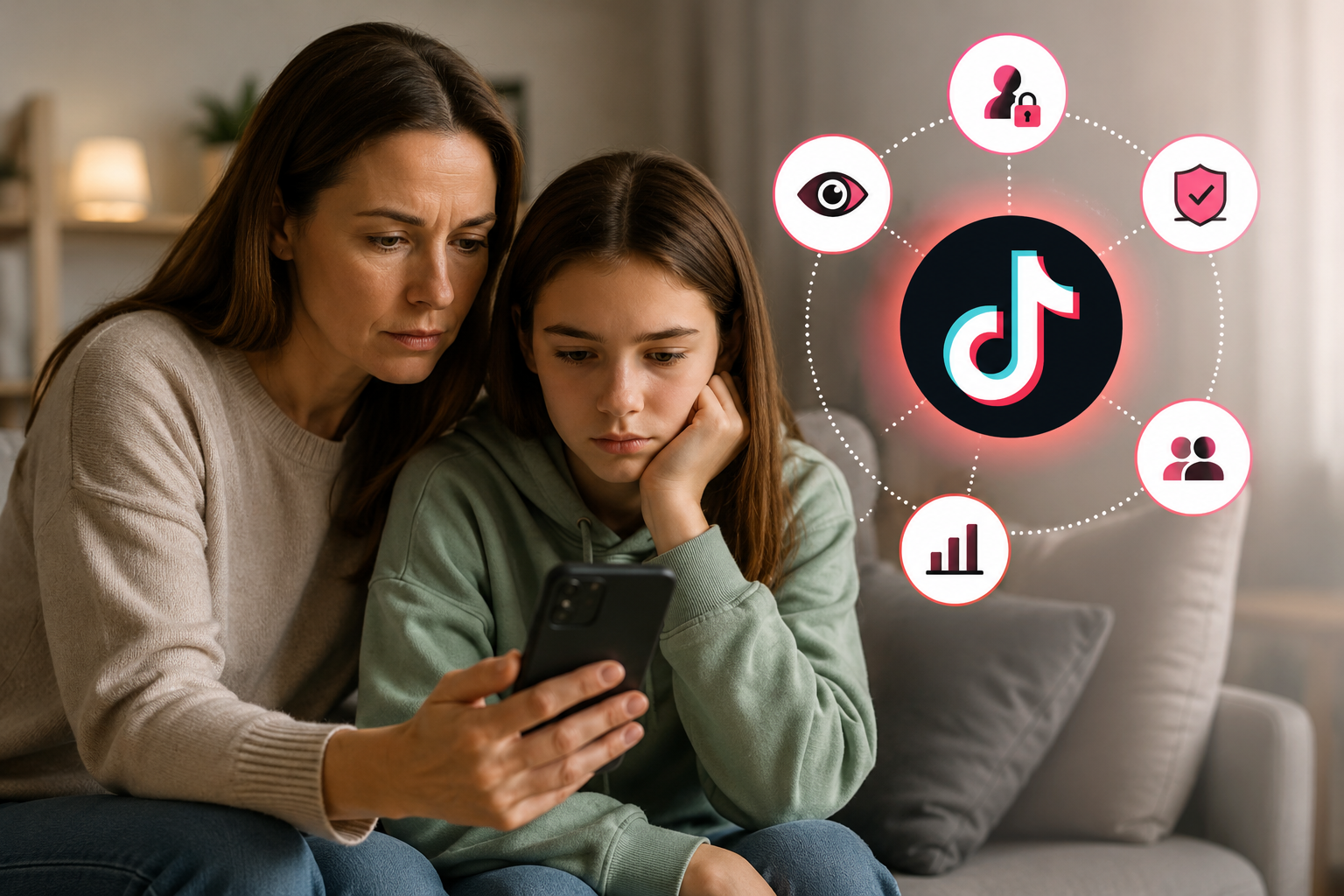
As governments move to restrict children’s access to social media around the world, many parents are asking Tiktok age limits and whether TikTok is safe for kids. This guide explains the risks behind the For You feed, AI generated content, trends, contact, screen time and what parents can do next.

Worried about your child using Snapchat? This guide is designed to explain Snapchat age limits, disappearing messages, Snap Map, AI, image pressure and explain how second accounts can create risk, and when dedicated parental controls may be needed for stronger visibility.

Find out which monitoring apps are the most effective for managing social media use in the age of AI.

Social media bans are changing how children access apps like TikTok, Snapchat and Instagram. This guide explains what the rules mean, why they matter, and how parents can keep children safer beyond the ban itself.

Compare the best parental control apps for online gaming, with tools to help manage screen time, monitor chats, spot risky behaviour and keep children safer across games and gaming platforms.

Minecraft’s biggest safety questions usually start when children move beyond solo building into multiplayer worlds, public servers, mods and online communities. This parent guide explains the age rating, Creative vs Survival mode, server safety, downloads, parental controls and the settings worth checking before your child plays online.

Fortnite can be fun, creative and social for children, but parents still need to understand age ratings, voice chat, spending and safety settings. This guide explains what Fortnite is, what age it’s suitable for, how to make it safer and what to check before your child plays online.

Discord is where many gaming conversations continue after Roblox, Minecraft or Fortnite, but it is not built like a children’s app. This guide explains what Discord is, what it is used for, the age rating, why it worries parents, which settings to check first, and what to watch for if your child is using servers, DMs or voice chat.

Contact with a stranger can be common in online games, but some patterns deserve closer attention. This guide helps parents understand what kind of contact is usually low risk, what signs may point to pressure or manipulation, and what to do if a conversation starts to feel concerning.

If your child loves Roblox, it can be hard to know what is harmless play and what deserves closer attention. This guide explains the chat, voice, friend request, private server and Robux features parents need to understand, plus the safety settings and red flags to check before problems start.

AI has made supplier fraud harder to spot. Fake documents, convincing emails and deepfake calls can look completely legit. This guide shows practical, risk-based verification steps, from quick checks for low-value suppliers to proper due diligence for high-value relationships, plus the one bank-details rule that prevents most fraud.

Wondering whether Spynger or uMobix is the better option for uncovering hidden behaviour? On this page I compare pricing, features, stealth mode, and evidence gathering to see which app really lives up to its name.
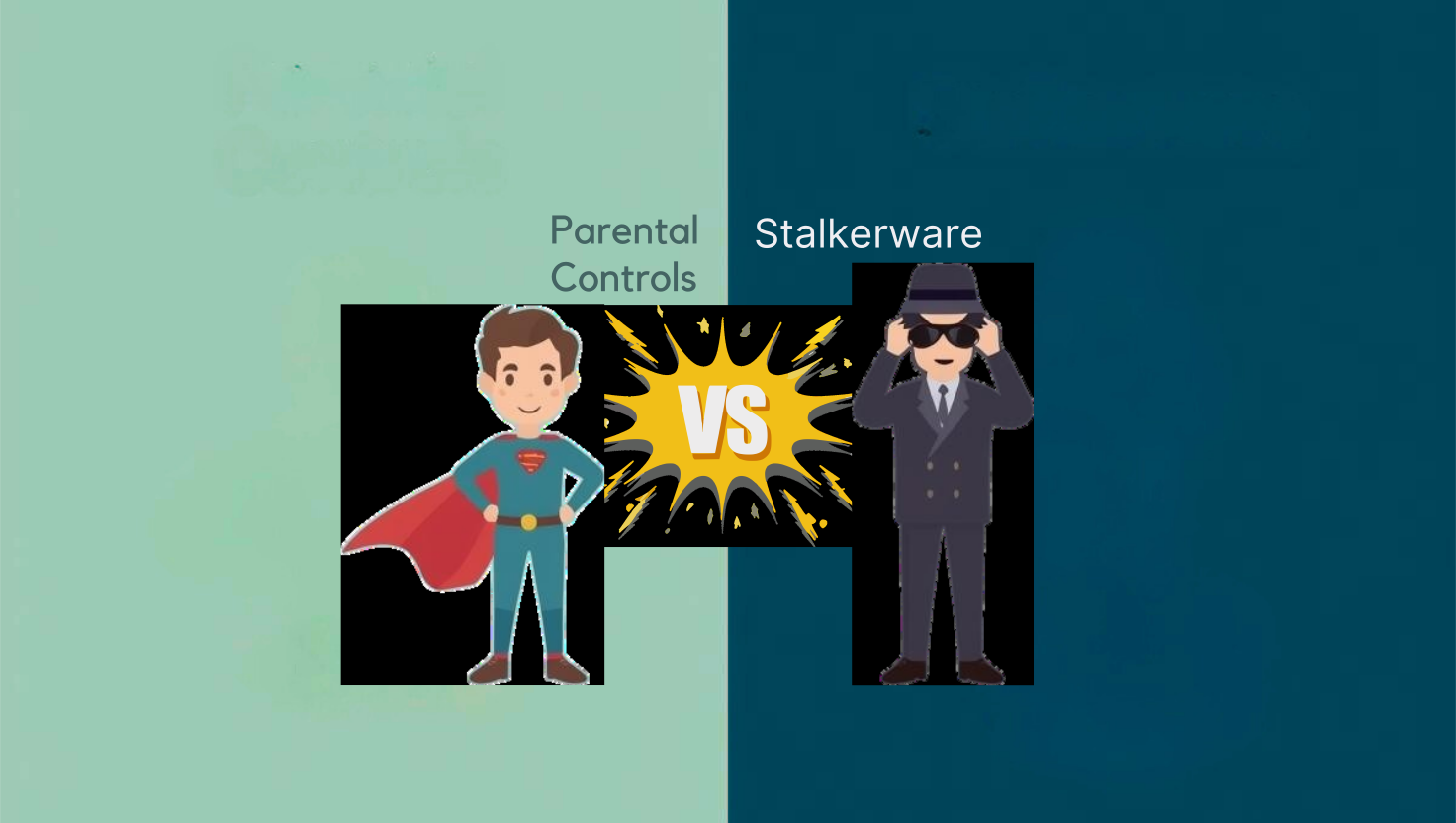
Parental controls and stalkerware can look similar on paper, but the difference isn’t the tool, it’s how it’s used. This guide breaks down what separates open, safety-led monitoring from hidden surveillance, why advanced monitoring apps can toe the line, and when it may be appropriate to escalate.

Why Kids Hide Apps (And Why It Matters) Before we get into the technical steps, it helps to understand why children hide apps in the

Cheating apps can hide far more than messages, from secret relationships and dating profiles to intimate photos, second accounts and financial activity. I looked at 21 apps people use to cheat, including the features hiding in everyday apps, to see how they work, what they conceal and what to look for. Here’s what I found, and why it could matter for your relationship, finances and digital safety.

A digital honesty agreement gives couples a simple way to talk about AI, set expectations and avoid misunderstandings. This guide shows you what it is, why it matters and how to create one that works best for your relationship.

Six questions to help couples agree what feels OK around AI, from emotional support and personal messages to privacy, romantic use, shared time and spending.

AI tools like ChatGPT are changing how kids learn. This guide shows you how to spot AI-written homework, start the right conversations, and help children stay curious and confident in their own abilities, without impacting their independent learning.

Deepfakes are increasingly common online, and children are encountering them more frequently than many parents realise. Understanding what deepfakes are, recognising their potential impact, and knowing how to respond can help you support your child if they come across this technology.

AI isn’t just changing tech, it’s changing childhood. From smart toys to homework helpers, artificial intelligence is already shaping how kids learn, play, and connect. This simple 101 guide helps families understand what AI really is, where it shows up in everyday life, and how to keep it safe and balanced at home and in schools.

Most parental control apps promise safety, but very few show the full story. In this honest mSpy vs Qustodio review, I look at real visibility: deleted chats, hidden apps, pricing and all features to see what parents can actually learn when things start to go wrong.

AI is changing how children learn. From ChatGPT to homework helper apps, students now use AI every day. This guide explains what’s happening in classrooms, the real risks and benefits, and how parents can set healthy boundaries so children learn with AI, not from it.

AI is giving bullies powerful new tools – from deepfakes to voice clones. Here’s what every parent needs to know, how to spot the signs early, and what to do if it happens.

AI tools can spark creativity and learning, but not every app is right for every age. This guide breaks down how to set simple, age-appropriate AI rules for your family, from toddlers to teens. Learn how to protect your children’s privacy, encourage healthy tech habits, and what tools can support in implementation for added peace of mind.

Learn how to spot early signs of AI dependency in your child with our free Family AI Awareness quiz, checklist and practical guide. From one parent to another, these are the tips you need to know.

Parenting today means facing challenges our parents never imagined – AI chatbots pretending to be friends, cyberbullying hidden in jokes, and strangers using gaming platforms to build trust. mSpy and Bark both mark themselves as a parental control tool, but they approach protection in their own ways. In this review, i’ll explain what they do, how they compare, and which tool I would pick for my family.

Aura safeguards your family’s finances and identity with $5M insurance, while Bark monitors 30+ platforms to catch cyberbullying and predators. Both excel in their own lanes, but if you had to choose just one, which should come first?

In this guide, I take a closer look at the best background check services in the US and UK. I’ll walk you through features, costs, and legal rules, and share when to use a professional screening tool versus a consumer search service, whether it’s for hiring, renting, dating or family safety.

HireRight is one of the oldest and most widely used background check companies, trusted by global corporations and government agencies. But with newer platforms offering faster, more transparent tools, the question is whether HireRight is still ahead, or stuck in its legacy systems.

Sterling has built its reputation on handling background checks for some of the world’s largest companies. The promise is clear: fast, accurate, and compliant screening at scale. But does that same level of service translate when you’re a smaller business hiring a handful of people? I dug into Sterling’s process, pricing, and user experience to see if the premium reputation really matches day-to-day results.
(Note: In late 2024, Sterling was acquired by First Advantage, another leading screening company, in a $2.2B deal. The Sterling brand is currently transitioning to First Advantage’s name, but for this review we’ll refer to the product as ‘Sterling’ since the platform and services remain the same.)

GoodHire positions itself as the go-to tool for small businesses and HR teams that need reliable, legally compliant background checks. From criminal records to employment verification, it claims to cover all the essentials while staying FCRA-compliant. But how well does it actually work in practice, and is it worth the cost compared to other services? In this review, I’ll share what stood out, where it struggled, and who GoodHire is really best for.

Intelius has been in the people search space for years, claiming to provide detailed background reports. But does it really deliver on that promise today?

Parenting in the digital age isn’t simple. I’ve tested dozens of parental control apps to see which ones actually make life easier. From Bark’s AI alerts to Qustodio’s screen time mastery and Aura’s all-in-one security, this guide breaks down what works, what doesn’t, and where your money is best spent.

Hoverwatch runs in stealth mode and monitors calls, texts, GPS, social media, and even desktop activity. But is it really effective for parents or businesses, or does it try to do too much?

Spynger is built around a specific question: can the activity on a phone help you work out whether someone is hiding something? Messages, dating apps and location history are central to its pitch, so I wanted to see how useful that information would be without knowing the answers in advance. My wife and I turned the review into a two-week challenge. She used an Android phone with Spynger installed and deliberately hid activity from me. My job was to work out what she had done through the dashboard. We only compared the results at the end.

eyeZy positions itself as an all-in-one parental control app designed to give parents full oversight of a child’s digital life. It promises access to texts, calls, GPS and social media, plus extras like keyword alerts and app blocking. That makes it sound like a balanced mix of monitoring and control – but does it live up to the promise, or is it just another spy app in disguise?

SpyBubble promises to give you quick insight into calls, texts, and apps without drowning you in unnecessary features. I spent several weeks testing it across iOS and Android devices to see if it really works. What I found was a no-frills spy app that delivers the essentials smoothly – but it’s not without trade-offs.

uMobix offers real-time tracking across 30+ social platforms, messages, calls, GPS, and even live device access. But does it provide real parental control, or it just surveillance?

mSpy promises parents complete oversight of a child’s device, with hidden monitoring of texts, calls, GPS and social apps. But does it really work in practice, or is it spyware dressed up as child safety software? We find out in this mSpy review.

The Life360 app goes beyond basic location sharing, adding crash detection, SOS alerts, and roadside assistance. I used it with my family for ten months, including during a real roadside emergency, and it proved both reassuring and occasionally frustrating. In this review, I’ll share how it performed, where it stood out, and whether the premium plans are really worth it.

Norton Family is designed to help parents keep kids safer online with time limits, app blocking, and web filters. But does it really stand out in a crowded parental control market? In this review, I’ll break down its features, how it works in everyday use, and whether it’s the right choice for your family.

Not every family needs complex parental controls or deep social media monitoring. Kidslox takes a different approach, focusing on reliable screen time limits, location tracking, and instant device lock when parents need it most. In this review, I’ll explain how it works in practice, what it does well, and where it falls short compared to more advanced options.
FamiSafe positions itself as an all-in-one parental control app, offering screen time limits, app blocking, GPS tracking, and content filtering. But is it the most reliable way to keep kids safe online? In this review, I’ll share how it works, what stood out in real use, and whether it’s worth the subscription for busy parents.

Compare home SOS buttons, phone alerts and monitored alarms. Check who receives an alert, connectivity, costs and a safe testing routine.

What parents need to understand when a child treats AI as a friend: perceived care, trust, private disclosures, emotional reliance, age safeguards and practical family guidance.

Talk to children about AI companions, privacy and emotional attachment. Check age rules, set suitable boundaries and keep human support available.

What parents of teens need to understand about romantic AI companions: relationship expectations, sexual content, age rules, intimate disclosure and changes worth discussing without panic or shame.

Storing passwords the wrong way puts your business at risk. This guide shows you the best way to store passwords for team, covering where, how, and the safest methods to protect sensitive data, meet compliance requirements, and keep your operations running securely.

Secure home Wi-Fi with supported updates, unique credentials, WPA3 or compatible WPA2 settings, guest isolation and a review of remote access.

I’ve watched million-pound frauds unfold because someone trusted a voice on a video call. This isn’t about blame, it’s about fixing the way we train. Here’s how to help your team spot AI scams before they cost you your reputation (or your budget).

Building an effective authentication strategy is crucial as your team grows. This guide covers key options designed for teams of 5-50 people, with practical frameworks to ensure secure and scalable implementation.

Two-factor authentication (2FA) isn’t just a nice-to-have anymore, it’s an essential line of defence for businesses of all sizes. With cyber threats constantly evolving, 2FA can block up to 99.22% of account breaches. In this guide, I’ll share exactly how to implement 2FA across your business tools, streamline the process for your team, and future-proof your security setup without disrupting your daily operations.
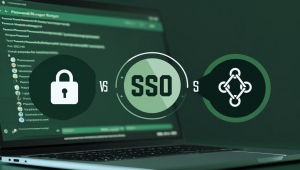
After juggling 300+ logins for my family and small business, I’ve tested password managers, SSO, and even the new passkeys. In this guide, I’ll share what actually works, what’s hype, and how to choose the right secure login setup for your needs in 2025.

Create and practise a private family safety phrase, with trusted adults and independent checks for unexpected collections or suspicious calls.

Build a practical family password system with unique logins, secure sharing, two-step verification and recovery arrangements everyone understands.

I’ve screened more babysitters and nannies than I care to admit for my two under five. Here I walk you step by step through a nanny background check, the free searches that work, when to use a professional service, the red flags that end the conversation, and the legal bits that matter.

I don’t know where we’d be without our family technology rules. That’s a lie. I know exactly where we’d be, and I don’t have the capacity for more toddler meltdowns. If you don’t either, this guide is for you. After months of trial and error, we’ve finally nailed the tech rules that work for our family best. From simple visual rules for toddlers to progressive freedom for teens, these strategies transform homes from a battlefield to a place where technology enhances family life rather than dominates it. If we managed it, trust me, you can too.

I spent two years researching the hidden dangers of social media. What I found completely knocked me off my seat. In this guide I break down everything from common cyberbullying tactics to sextortion rings., and explain how it works, how to identify the signs, and how to protect against it.

Practical conversation starters for online safety, with age-appropriate supervision, clear agreements and a calm response when children need help.

Review TikTok, Instagram and Snapchat parental controls. Check current supervision options, privacy settings, contact controls and their limitations.

As a dad, I’m always thinking about how to keep my kids safe online, and honestly, it’s a minefield. Every app claims to be ‘secure’ or ‘kid-friendly’, but what does that really mean? In this guide, I’ll walk you through the tools I’ve personally tested, what actually works, and where the risks are hiding, because online safety isn’t just a checkbox, it’s an ongoing conversation.

Choose parental controls around your child’s age, your household’s needs and the app’s privacy settings. Compare features and plan a transparent setup.

With so many devices and distractions, keeping kids safe online can feel overwhelming. Qustodio is a parental control app designed to make things simpler by helping you manage screen time, block harmful content, and track activity across multiple devices. In this review, I’ll walk you through how Qustodio works, what features you get (even on the free plan), and whether it’s the right fit for your family.

Hiring new team members is always exciting, but I’ve learned that running background checks the right way is key. In this guide, I’ll walk you through how to stay legal, respect privacy, and protect your business.

Keeping your small business safe online doesn’t have to be stressful or expensive. With just a few simple steps, you can feel confident and in control. I’ll walk you through the tools and tips I’d share with any business owner who wants to protect what they’ve built.

Hiring the right people is too important to leave to chance. In this guide, I’ll walk you through the most reliable background check services for businesses – so you can make confident, informed hiring decisions without getting buried in compliance jargon.

Net Nanny has been one of the most trusted parental control apps for years, but in 2026, many parents are asking: does it still keep up with the way kids use tech today? As a parent myself, I wanted to find out if it really helps balance screen time, block harmful content, and protect kids without going overboard.

Managing passwords across a business can quickly get messy, but it doesn’t have to. In this guide, I’ll walk you through the best password managers for business owners, so you can keep your team’s accounts secure without adding stress to your day.
Managing passwords across a team used to be a hassle, so I tested 1Password for Business to see if it really makes things easier. In this guide, I’ll share how it worked for us, where it helped most, and whether it’s the right fit for your team.
Choosing the right security for your business can feel confusing with so many threats out there in 2025. Bitdefender GravityZone offers strong protection that many businesses can trust to defend against today’s cybersecurity risks. But is it the right fit for your specific needs?
This review explains what GravityZone does, how it works, and who will benefit most from it. You’ll find clear pros and cons to help you decide if it matches what your company needs to stay safe.
Like most parents, I worry about what my kids might see or do online – but I don’t want to feel like I’m spying on them. In this review, I’ll show you how Bark works, what it does well, and whether it really helps parents stay informed while building trust.
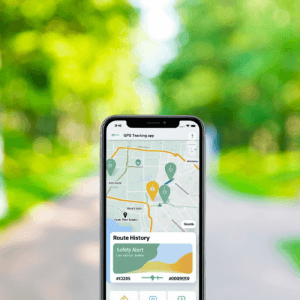
Whether you’re keeping tabs on your child’s walk to school or making sure an elderly parent gets home safely, GPS tracking apps can offer real peace of mind. In this guide, I’ve tested the best family-friendly GPS apps to help you choose one that’s accurate, respectful, and easy to use.

Email threats are one of the biggest risks for small businesses but protecting your inbox doesn’t have to be overwhelming. In this guide, I’ll walk you through the most reliable email security tools out there, so you can stay safe, stay compliant, and stay focused on running your business.

Hiring new employees comes with a lot of responsibility, and background checks can be one of the trickiest parts to get right. I tested Checkr to see how well it handles speed, accuracy, and legal compliance without adding unnecessary friction to the hiring process. In this review, I’ll walk you through how Checkr works, what features stand out, where it may fall short, and whether it’s a smart choice for your business in 2025.
