Cyber attacks are a real danger for small businesses in 2026. Criminals no longer focus only on large companies. They use new tricks like AI scams and invoice fraud that can target businesses of any size. Small businesses need up-to-date cybersecurity steps to avoid data loss, financial problems, and loss of trust.

You don’t need to be a tech expert to protect your company. We built this resource specifically for business owners who need to balance security with limited time and resources to preserve the best and support their team. Whether that's a team of remote workers, contractors, freelancers, or a combination of all, everyone needs to know how to spot cyber threats and follow basic safety rules. This guide covers everything you need to know, offers helpful templates, and explains what to do in an emergency, ensuring your business remains secure. As threats change, so will this guide. We update it monthly with new protection strategies specifically designed for small teams navigating the increasingly complex world of AI-powered threats. View this page as your ongoing resource for maintaining business security at all times.

What an AI Safety Policy Covers An AI safety policy isn't just a document for compliance folders. It's a shared understanding of what's allowed, what isn't, and who's responsible when AI is involved in work. When it's done well, it removes uncertainty, reduces quiet risk-taking, and gives your team confidence that they're using AI in […]




Best Background Check Services for Employers 2026
Best Password Managers for Business Owners: Full Guide 2026
Best Email Security Tools for Small Business 2026
Best Background Check Services for Employers 2026
Best Password Managers for Business Owners: Full Guide 2026
Best Email Security Tools for Small Business 2026




Small businesses face a growing list of real cyber threats in 2026. With the rise of AI and increasingly sophisticated crimes, hackers are no longer just targeting big companies; they're also targeting smaller organisations with weaker defences, putting startups and smaller businesses at a greater risk. The best way to protect yourself from cybersecurity risks in 2026 is by being aware of the biggest threats.
Here are the top security threats to look out for in 2026 and how they can affect your independent business:
Weak passwords, inadequate training, and ignoring software updates increase your cybersecurity risks, but investing in basic cybersecurity measures can protect your business when you need it most. Learn how to create a cybersecurity policy for your business and discover how to train employees to avoid phishing and deepfake scams to strengthen your defences.
Protecting your small business in 2026 requires practical security measures that are easy to follow. By focusing on strong passwords, multi-factor authentication, staff training, and backups, you can stop common threats and better respond if something goes wrong.
A business password manager helps you avoid weak passwords by creating and storing complex passwords for every account. Instead of remembering a dozen logins, you only need to remember one strong master password.
Password managers let you securely share logins within your team and update credentials when needed. This is important when workers join or leave the company. They often include built-in tools that alert you about reused or weak passwords.
Using a password manager reduces the chances of human mistakes and targeted password attacks. Make sure to use one that encrypts all stored information and supports team-level access controls. Learn about the best way to store passwords for business to implement a comprehensive password strategy.
Two-factor authentication (2FA), also known as multi-factor authentication (MFA), adds another layer of security. You need an extra code, usually from your phone or email, every time you log in. 2FA is one of the most effective ways to stop hackers who get your password. Even if someone steals a team member's login, they still need the second factor to get inside. You should turn on 2FA for all accounts that allow it, especially email, payroll, cloud storage, and banking tools. Many small business tools now require it by default, but check your settings and update as needed.
Every device you and your staff use, including desktops, laptops, tablets, and phones, all need protection. Security software blocks malware, viruses, and ransomware. Install a trusted antivirus or all-in-one security suite on every device connected to your business. Make sure you schedule automatic scans and real-time protection. Cyber threats change fast, so automatic updates are critical.
Frequent, automatic backups are your main safety net if you lose data to a cyberattack or hardware failure. Losing access to business files can stop sales, hurt your reputation, or cost you money. Choose a backup system that copies files every day at a set time. You should store one backup copy in the cloud and, if possible, one offline. This balances safety and fast recovery.
Test your backups each month to check you can restore files. Make it part of your regular routine. With a backup, you can bounce back from ransomware or accidental deletions quickly.
Your website is often the first target for attackers. Hackers use automated bots to find weak spots like old plug-ins or easy-to-guess admin logins.
Use strong passwords and 2FA for your site's control panel and hosting dashboard. Update website software, plug-ins, and themes each month, since patches fix security flaws. Install security plugins that block brute force attacks and scan for malware. Set up a web application firewall if your platform supports it. Use HTTPS on every page to protect your visitors and boost trust.
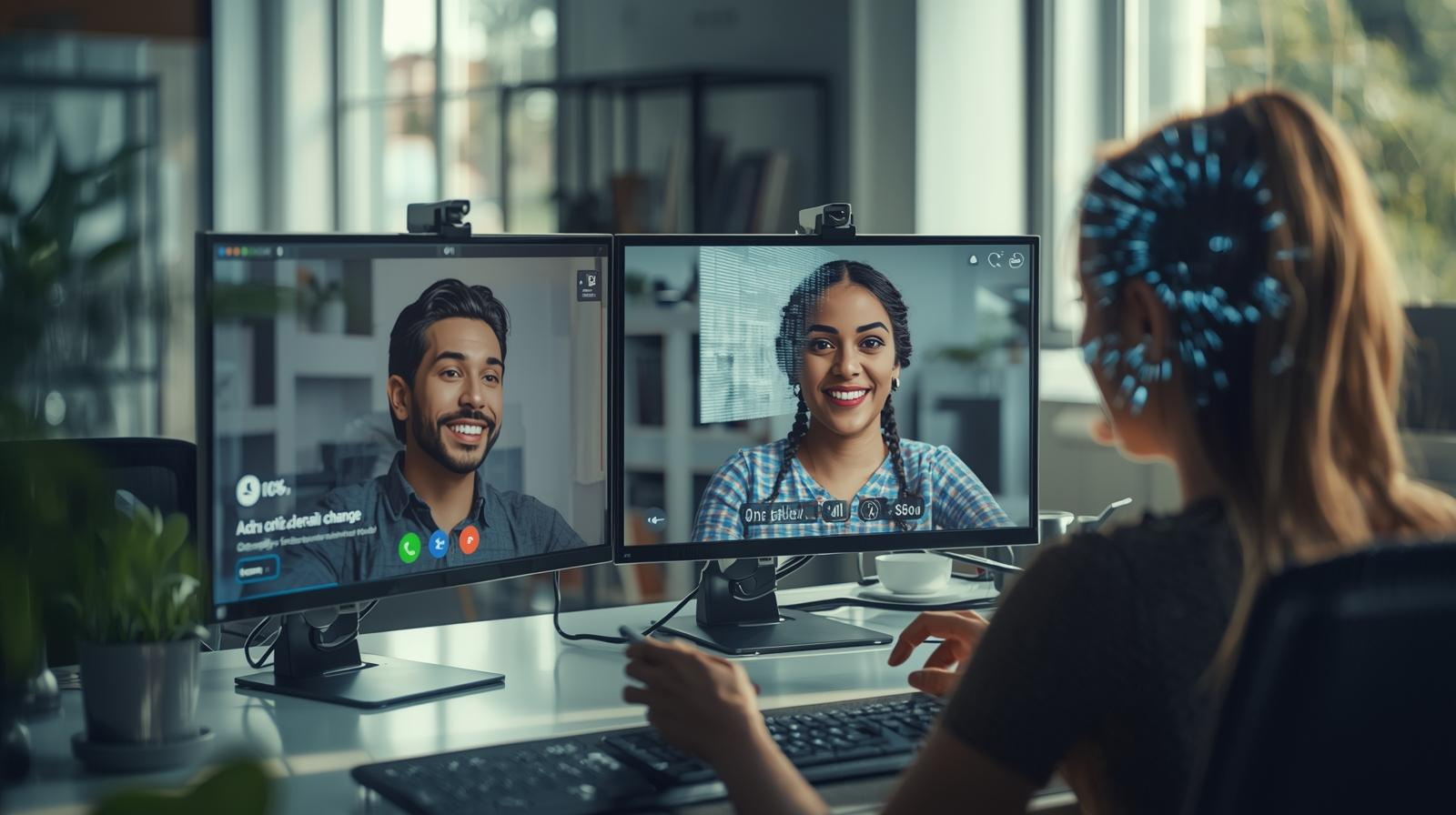
People, not machines, cause most data breaches either because they make mistakes or fall for scams. Monthly training helps staff spot suspicious emails, dangerous links, or fake invoices.
Use real-world examples in training sessions. Teach everyone to avoid sharing passwords, keep devices locked, and report strange activity. Remind them about the importance of strong passwords and using 2FA. Have staff practice responding to simulated phishing attacks to build good habits. Share quick updates about new risks as they come up. This ongoing focus makes your team the first line of defense.
Learn how to train employees to avoid phishing and deepfake scams with practical techniques that work.
A short, clear incident response plan keeps everyone calm if something bad happens. The plan should list the steps to follow, who to contact, and how to stop the spread of an attack.
Write basic instructions for what to do if a device is hacked, files are deleted, or you get a ransomware demand. Include current emergency IT contacts, and make sure your staff knows where to find the plan. Do a quick “tabletop drill” twice a year where you practice your response. Being ready will let you act fast and limit the damage.
Get our complete guide to creating a cybersecurity policy for your business to develop comprehensive protection strategies.
If one account gets hacked, others won’t be affected.
Check for HTTPS & spelling before entering info.

Extra layer of protection using your phone or app.
Your website and devices are common targets for cyber attacks. Hackers look for vulnerabilities, such as outdated software or unsecured networks, to gain entry. Keeping everything updated helps close these gaps and protects your information.
Ensure you use a robust firewall and antivirus program. Regular updates to these tools help defend against new threats. Using a VPN adds an extra layer of protection for your internet connection, especially if you or your staff occasionally work on public Wi-Fi.
Client data needs extra care. Use data encryption on all sensitive information, both when it's stored and when you send it online. This makes it much harder for cybercriminals to steal or read your data.
Here are the steps you can take:
A breach can quickly damage your reputation and cause customers to lose trust in your business. Protecting your website and client data effectively helps you avoid these costly problems. Learn how to create a cybersecurity policy for your business to establish comprehensive protection protocols.
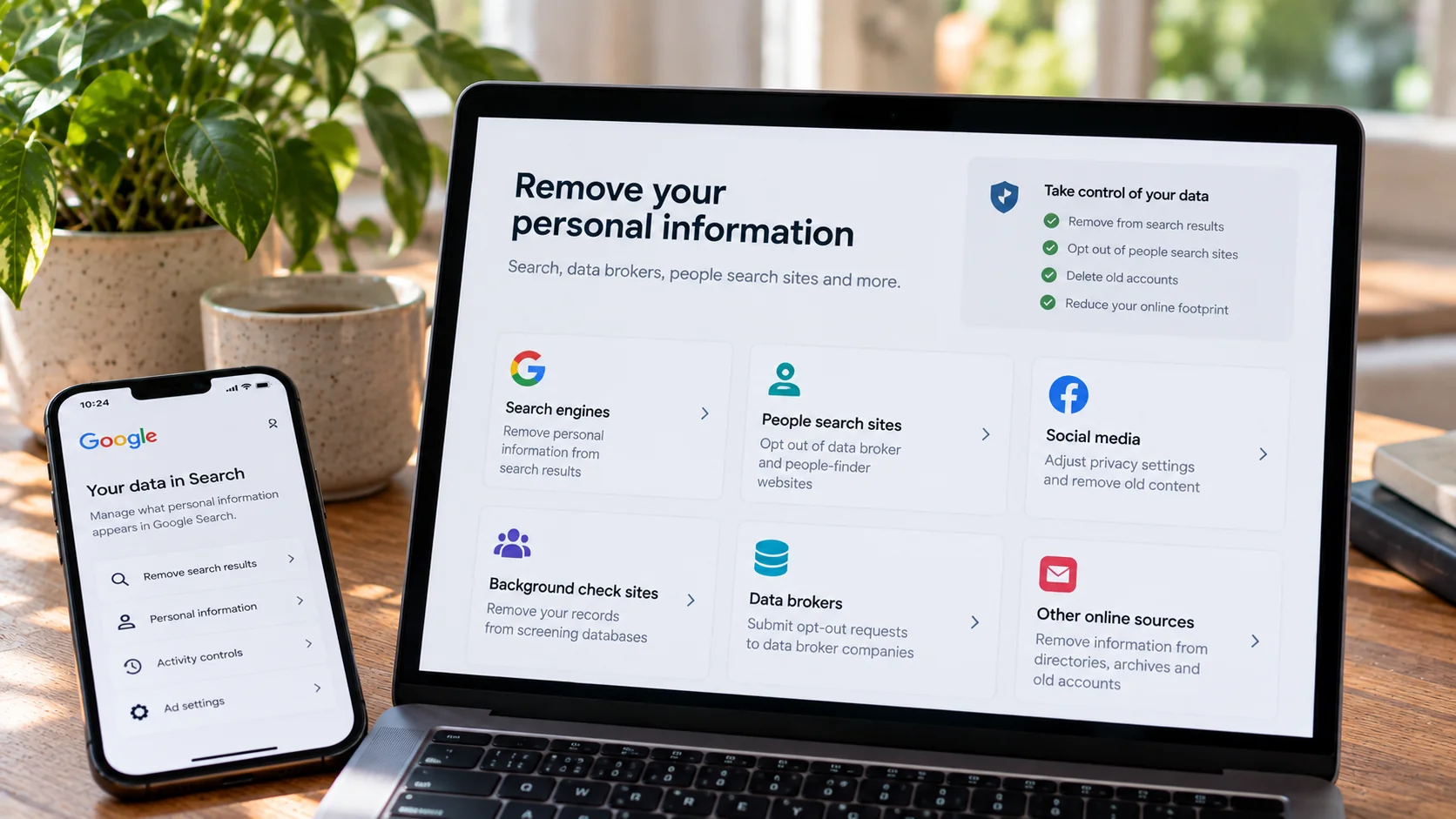
Keeping your identity and data safe is important every time you go online. Your name, address, birthday, passwords, and financial details are all sensitive information that you should protect.
Use strong, unique passwords for each account. Consider a password manager to keep track of them for you. Don't use the same password for more than one site. Enable two-factor authentication when you can. This adds another layer of security beyond just a password.
Remember to update your software and apps regularly. Software updates fix holes that hackers might use to get your data. Devices that are not up to date are at higher risk.
Be careful using public Wi-Fi. Anyone on the same network could try to steal your sensitive information. Our advice is to always use a VPN to encrypt your connection when you're on public networks. Watch out for phishing scams. Never click on links or download files from emails or messages unless you trust the sender. Sometimes these are designed to trick you into revealing personal details.
Here's a quick checklist:
Monitor your accounts and credit reports to spot any unexpected activity quickly. This helps you act fast if someone tries to use your information without your permission.
When you work with contractors, freelancers, or remote employees, your cybersecurity needs change. These team members can access sensitive business systems, so you need to ensure they follow strong safety practices.
Provide regular cybersecurity training for your whole team, including freelancers and contractors. Even short online lessons about recognizing online threats, such as phishing, can help lower risks. Learn how to train employees to avoid phishing and deepfake scams for effective training strategies.
Two-factor authentication (2FA) adds another layer of safety. Make sure it's required on all accounts that handle company data. Regular password updates are also important.
Consider conducting background checks on employees who will have access to sensitive systems, and use business password managers to securely share access credentials with your remote team.
AI is changing the way scams happen today. Attackers use powerful tools to mimic voices, write emails, and create fake identities. Some even use AI to call employees and pretend to be bosses or vendors.
Invoice fraud is one of the biggest dangers for small businesses. Criminals use AI to craft fake invoices that look real. They may hack email accounts or study your business online to trick you into paying them.
Phishing is still a big risk, but now it's smarter. You can find more information about these threats at Finance 2025: The Rise of AI-Powered Scams.
Common AI Scam Techniques Compared
| Scam Type | How AI Is Used | Risk Level |
|---|---|---|
| Voice Cloning | Copies voices for fake calls | High |
| Fake Invoices | Auto-generates lookalike bills | High |
| Phishing Emails | Uses data for better targeting | Medium |
| Deepfake Videos | Creates convincing footage | Medium |
Protecting your business means being alert to new scam tactics. Even small businesses are now targets because these attacks are cheap and fast for criminals to launch.
Learn how small businesses get scammed online and how to stop it for comprehensive protection strategies. Train employees to avoid phishing and deepfake scams to build your first line of defence against these evolving threats.
New laws in 2026 require small businesses to follow strict cybersecurity and privacy rules. Key regulations include the FTC Safeguards Rule, NIST 2.0, CMMC, and updated state privacy laws. You must check which laws apply to your business, since rules can vary by state and industry.
Many businesses must now show proof of compliance by keeping records and documenting security policies. Having a written plan makes it easier to prove you follow the law if you are ever audited.
It is important to review your contracts with vendors and customers. Check that contracts include requirements for data security, breach notifications, and sharing responsibilities for cyber risks.
A quick compliance checklist:
Getting cyber insurance can protect you from the costs of a cyber incident. Insurance may cover legal fees, lost business, or repairs after a data breach. State and federal rules are changing fast. Set a schedule to check for changes on a regular basis. You can also find updates on small business legal changes in 2026.
Learn how to create a cybersecurity policy for your business to establish the documentation needed for compliance, and understand how to check an employee's background legally and ethically to meet hiring compliance requirements.
When a cyber incident happens, you need a clear plan. An emergency response plan helps you act fast and keep things under control.
First, know who to call. List key people and their contact information. This can include your IT provider, manager, and even local law enforcement.
Steps right after an incident might include:
You should create a printed copy of your incident response plan. If your computers go down, you still have your guide.
Who Does What During an Incident
| Role | Responsibility |
|---|---|
| Business Owner | Lead response, call for help |
| IT/Tech Support | Fix devices, stop the threat |
| Employees | Report issues, follow directions |
Practice your plan once or twice a year. This helps your team stay ready.
Back up your data often so you can recover important files fast. Never pay a ransom if you get hit by a cyberattack.

Starting with the right tools can keep your small business much safer. Here are some basics every company should have:
| Security Tool | What It Does | Buy/Access From |
|---|---|---|
| Password Manager | Stores strong passwords | Security software providers |
| Antivirus and Firewall | Stops viruses and hacks | Tech retailers, online downloads |
| Data Encryption Tool | Protects information | Business security vendors |
| Backup Solution | Saves your files | Cloud backup providers, hard drives |
| Training Toolkit | Teaches safe behaviour | Online toolkits, cyber orgs |
Learn how to create a cybersecurity policy for your business to establish comprehensive protection protocols that incorporate all these essential tools.
In 2026, look for services that offer protection against both external and internal threats. This includes firewalls, antivirus solutions, backup services, and monitoring for unusual network activity.
Managed cybersecurity services offer extra help by setting up, maintaining, and watching your systems for you. A good service should also help you meet any legal or industry requirements for data security.
Want to protect your loved ones too?
Our Family Safety Hub has all the information you need to protect your loved. From trusted guides, apps, tools, reviews and expert advice, we break down everything you need to know with simple, practical steps that actually work. Whether you're just getting started or looking to level up your protection, you’ll find clear, friendly guidance every step of the way.

Protecting Your Digital World One Step at a Time.
Some pages include affiliate links. We may earn a small commission at no extra cost to you. Our reviews remain unbiased and independent.
Copyright © 2025 | Digital safety squad | All Rights Reserved