



Last Updated on September 19, 2026 by Nick Francis
What Is Twitch?
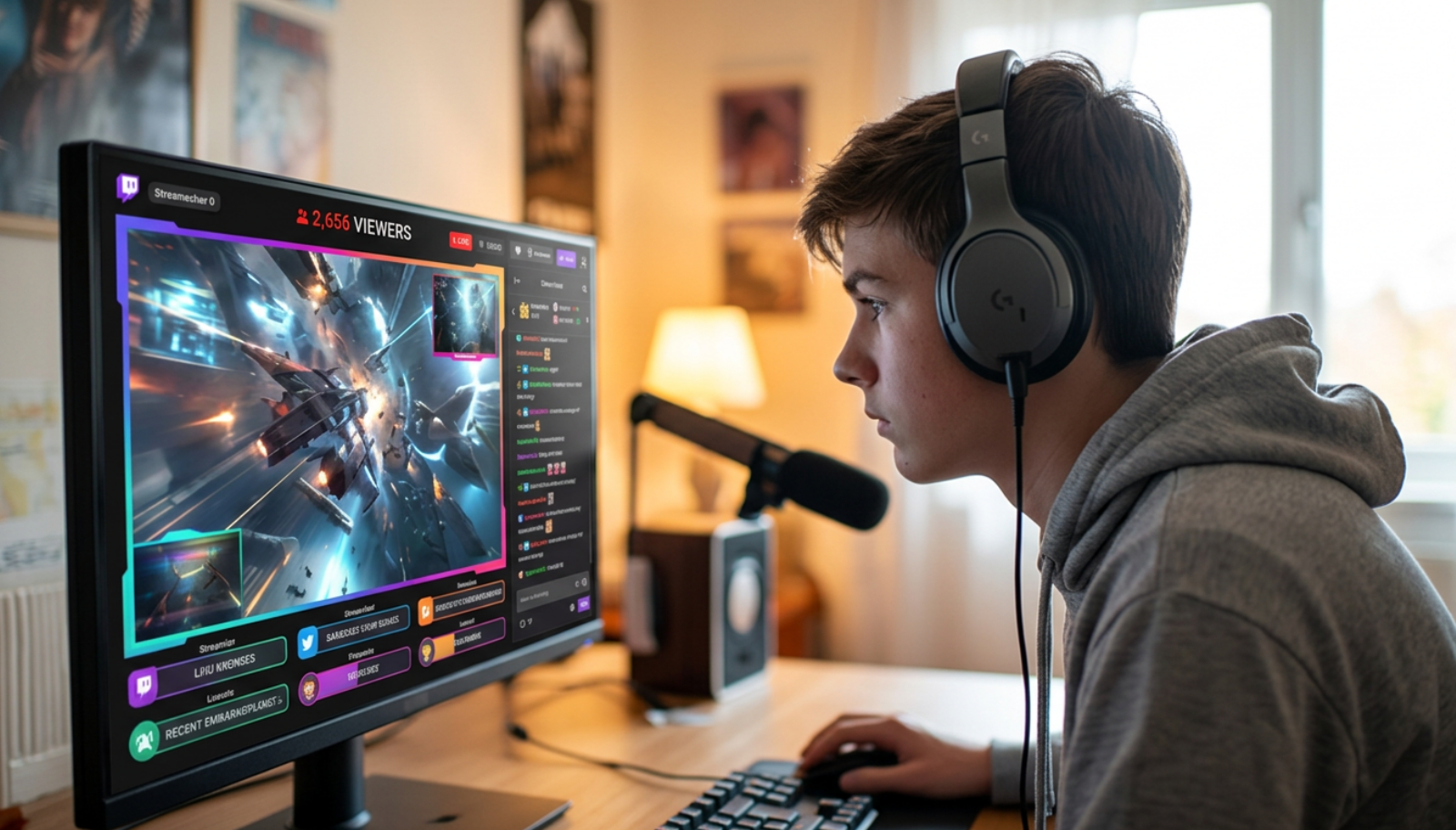
Twitch is a live streaming platform owned by Amazon. It's primarily known for gaming content, where people broadcast themselves playing video games while viewers watch and chat in real time. But Twitch has grown well beyond gaming. It now hosts music performances, art streams, cooking, talk shows, sports viewing and a category called Just Chatting where streamers simply talk to their audience.For children who play video games, Twitch can feel like a natural extension of the online gaming world. It's where they can watch their favourite games being played at a high level, follow the creators they enjoy, keep up with gaming news and take part in communities around the games they care about. That appeal is real and it isn't something I'd dismiss.What changes the picture is how Twitch works in practice. Every stream has a live chat running alongside it. Viewers can send messages, react, donate virtual currency called Bits, subscribe to a channel for a monthly fee, send private messages called Whispers, and interact with both the streamer and other viewers in real time. That interactive layer is what makes Twitch feel different from simply watching a video.What Is the Twitch Age Limit?
Twitch's minimum age is 13. Twitch's own terms say children under 13 are not permitted to use the platform under any circumstances, and that children between 13 and 17 should only use it with parental supervision and consent. In practice, Twitch does not verify age beyond asking for a date of birth at sign up, which means age limits are straightforward to bypass.There is also an important wrinkle. Twitch can be watched without an account. A child who is blocked from creating an account can still visit twitch.tv and watch streams without logging in. They lose the ability to participate in chat, but they can still watch content, including content labelled for mature audiences if they are signed out, since some content restrictions only apply when a viewer is logged in.I'd treat this as the first gap to close when thinking about Twitch controls. Blocking the app isn't enough on its own if a child can reach the same content through a browser.Is Twitch included in social media bans?
Yes, in Australia. eSafety has confirmed that Twitch is an age-restricted social media platform under Australia's under-16 rules, placing it alongside TikTok, Instagram, YouTube, Facebook, Snapchat and others. Twitch was included despite its gaming focus because eSafety determined it has significant social and interactive features beyond gaming content alone.In the UK, the government has indicated its planned under-16 social media restrictions will specifically cover platforms with livestreaming capabilities and gaming sites, which points clearly to Twitch being included. The social media ban for under-16s is therefore relevant even though Twitch is still often thought of primarily as a gaming platform.Is Twitch Safe for Kids?
Twitch isn't designed for children, and the honest answer is that it isn't safe for younger children without significant restrictions and active parental involvement. For older teenagers, it can be manageable, but only if parents understand what they're actually allowing and have put the right controls in place.The risk on Twitch isn't primarily about one harmful video, the way it might be on YouTube. It's about a live environment where things can shift quickly, where a child can be drawn into chat, where spending can happen without a parent noticing, and where the relationship a child develops with a streamer can become more significant than parents realise.What Makes Twitch Different From Other Platforms
Several things make Twitch harder to manage than a standard video platform.Content is live. A stream that starts as a gaming video can include mature language, mature themes, unexpected guests or audience chat that goes in directions the streamer doesn't control. Unlike a recorded video, there's no editorial process, no chance to edit it afterwards, no age gate applied after the fact.Content classification labels exist on Twitch, but they're applied by the streamer, not verified by the platform. A streamer who uses mature language or covers adult themes should label their stream, and viewers can filter labelled content in their account settings. In practice, labelling is inconsistent and relies on the streamer being honest about their content.Chat is public and live. Even on a well moderated channel, chat can include language and references that aren't appropriate for children. On less moderated channels, it can include harassment and bullying, sexual comments, links to external sites and direct messages from unknown adults.There is no parental dashboard. Unlike Instagram's Teen Accounts or TikTok's Family Pairing, Twitch has no tool that lets a parent link their account to a child's and see what they're watching, who they're talking to, or how long they've been on the platform. The only controls available are settings inside the child's own account, which the child can change.The Main Twitch Risks for Children
Live chat and contact risk
Twitch's live chat is one of the most significant contact risks in gaming spaces. It's a live public conversation running alongside every stream, and on popular channels it moves fast enough that moderation can miss a lot. A child who participates in chat is visible to every other viewer, and a child who streams their own content is visible to anyone watching.Private messages on Twitch are called Whispers. By default, Whispers from people a user doesn't follow are blocked, and this setting should be kept on. But a child who receives a follow from someone they don't know and follows back opens the Whispers channel to that person. The signs your child is talking to strangers online can show up through secrecy, unusual contacts or a sudden need to stay available for messages.Spending
Twitch has several ways to spend real money, and none of them have parental controls attached. Viewers can subscribe to a channel for a monthly fee, send Bits which are a virtual currency that can be purchased and donated to streamers, and purchase gift subscriptions to give to other viewers. Streamers often thank donors by name during the stream, which creates a strong social incentive for a child to spend money to get noticed.Twitch has no built in spending limit or parental approval system. If a payment method is saved to a device or account a child can access, spending can happen without a parent knowing. This is one of the areas I'd address before a teenager has any Twitch access at all.Parasocial relationships
Streamers on Twitch are skilled at making viewers feel personally connected. They use viewers' names in chat, speak directly to the camera, refer to their audience as a community and create a sense of shared experience. For a child who is lonely, anxious or going through a difficult period, that feeling of connection can become significant.A teenager who feels closer to a streamer they've never met than to the people around them is in a vulnerable position. Parasocial relationships aren't unique to Twitch, but the live, interactive format makes them feel more real than following a creator on YouTube. The streamer responds to your messages. They read your name out. They know what you said. If that relationship starts affecting sleep, mood or the ability to step away, it can become part of the same pattern as compulsive social media use.Mature content and inconsistent moderation
Twitch's Community Guidelines prohibit explicit sexual content, extreme violence, hate speech and harassment. But Twitch is a live platform with millions of streams running simultaneously, and enforcement depends heavily on the streamer's own moderation of their channel. Twitch's AutoMod system can filter chat for certain types of content, but streamers have to enable and configure it themselves, and the level of moderation varies significantly between channels.A child who follows a gaming streamer may eventually end up watching content from streamers those creators collaborate with, appear with, or recommend, and the content on those channels may be significantly less appropriate. The risk is part of the wider problem with live, recommended and socially reinforced content, even when the platform is built around games.What Can Parents See on Twitch?
Very little through Twitch's own tools. There is no parental supervision dashboard. Parents cannot link their own account to a child's, see what streams they're watching, read their chat messages or review their Whisper history. The only way to see a child's Twitch activity is to look at their account directly.At device level, Screen Time on iPhone and Google Family Link on Android can show how much time a child is spending in the Twitch app. They can also be used to set time limits or block the app. Neither will show what your child is watching or who they're talking to inside Twitch.Does Twitch Have Parental Controls?
Not in the way most parents would recognise. There is no parental dashboard, no linked account system and no way for a parent to set limits or review activity through a separate tool designed for parents. What Twitch does have are safety settings that sit alongside the built-in controls available on social platforms, but they must be applied inside the child's own account.The settings worth checking include turning off Whispers from non-friends, reviewing content filtering options in account settings, ensuring the account uses the child's correct date of birth so that age-based restrictions apply consistently, and reviewing which channels the child follows. None of these are locked to a parent passcode, which means a child can change them.How To Make Twitch Safer for Your Child
The safest approach is to combine account level settings with device level controls, clear household technology rules and an ongoing conversation about how the platform works. Relying on any one of those alone leaves gaps.- Block Whispers from non-friends. Go to Settings, then Security and Privacy, and make sure Whispers from people they don't follow are blocked. This should be the default but worth checking.
- Check content filtering settings. In account settings, review what content categories are filtered. Ensure that content labelled for mature themes, sexual content, gambling and violence is filtered out.
- Use the correct date of birth. Make sure the account reflects your child's real age so that Twitch's age-based restrictions apply. An account entered with an adult date of birth will have fewer restrictions.
- Remove payment access. Do not save a payment method to a device or account your child can access independently. Twitch has no parental approval step for purchases.
- Review who they follow. Check the channels your child subscribes to and watches regularly. This is the clearest window into what they're actually consuming on the platform.
- Block at device level as well as app level. Use Screen Time on iPhone or Google Family Link on Android to limit Twitch use, and also restrict browser access to twitch.tv so the app block can't be worked around through a browser. Device-level parental controls across phones and home devices help close those app, browser and second-device gaps.
- Talk about chat and spending before access starts. A child who understands why Whispers should be off, why spending decisions need a parent conversation, and why streamer friendships aren't the same as real friendships is in a much better position than one who discovers these things after something has already gone wrong. Those online safety conversations are easier before the platform becomes part of their routine.
- Keep phones out of bedrooms overnight. Twitch streams run at all hours, and a child who has access overnight can easily watch until very late. A phone-free bedroom rule removes that late-night access instead of relying on willpower.
When Should You Block Twitch?
For children under 13, I'd block Twitch entirely. The platform's own terms don't permit them, and there's nothing in the safety architecture that provides meaningful protection for that age group.For teenagers, consider blocking or pausing access if your child is spending money without telling you, is becoming emotionally dependent on a streamer, is watching late at night, is in contact with people you don't know through chat or Whispers, or is streaming their own content in a way that reveals personal information.Blocking should happen at device level as well as app level, because Twitch is accessible through any browser. App-only restrictions are one of the easiest ways for children to bypass parental controls.Can Parents Monitor Twitch?
Because Twitch has no parental dashboard, extra visibility means device level monitoring rather than anything Twitch itself provides. The difference between a parental monitoring app and stalkerware matters here, especially when the concern is ordinary viewing rather than a specific safeguarding risk. If your concern is chat contact, spending, the amount of time being spent on the platform or what content your child is actually watching, device level tools are the only way to get a clearer picture.For wider household protection, Aura covers multiple devices and family members. For stronger visibility into app usage and activity, parents often compare mSpy, uMobix and Eyezy. Always check what each tool can currently show on your child's specific device before relying on it. The best social media monitoring tools for parents are more relevant when visibility into chat or contacts is the priority, while the best parental control apps for safer online gaming are better suited to limits, browser controls and wider gaming access. Choosing the right parental control app means matching the tool to the concern rather than defaulting to the most intrusive option.If you find evidence that your child is being groomed, pressured or harmed through Twitch or any connected platform, save what you have and report it. In the UK, use the CEOP Safety Centre and the police, or 999 in an emergency. In the US, contact the NCMEC CyberTipline and local law enforcement, or 911 in an emergency.Should I Let My Child Use Twitch?
For children under 13, no. For teenagers, it depends on their maturity, what they're planning to use it for and whether you're in a position to put the right controls in place first.Twitch can be a genuine part of gaming culture for older teenagers, and I wouldn't dismiss it as automatically dangerous. But it needs to be set up with care. The spending features need to be addressed before access starts. The chat settings need to be checked. The browser gap needs to be closed. And the conversation about parasocial relationships, content that shifts tone quickly and what to do if someone makes contact needs to happen before something goes wrong rather than after.The pattern to watch for afterwards is the same as on any platform. Is your child sleeping well? Are they being honest about what they're watching and who they're talking to? Are they spending money without telling you? Are they increasingly absorbed in a streamer's world in a way that feels unhealthy? Those signals matter more than the age limit does.My take as a parent
Twitch is the platform I think gaming parents underestimate most. It feels safer than social media because it's built around games, but the live chat, the spending features and the parasocial dynamic with streamers all deserve serious attention. My daughters aren't old enough for this yet, but I'm already planning that when the conversation comes, spending controls and browser blocks are the first things I'd put in place, before access rather than after.
If a teenager has Twitch and it's working well, that's fine. Keep watching who they follow, check whether spending is happening and ask occasionally what they enjoy about it. If it's creating secrecy, late nights, unexplained spending or an emotional dependence on streamers they've never met, those are the signs to act on.
Nick Francis, parent and DSS parental controls tester
