
What Is Stalkerware? How to Detect It and Stay Safe
Learn what stalkerware means, which phone and account checks can help, and why your safety comes first when deciding whether to remove unwanted access.


Learn what stalkerware means, which phone and account checks can help, and why your safety comes first when deciding whether to remove unwanted access.

A practical explanation of AI companions, their memory and romantic features, intimate data, attachment, teen risks and boundaries in human relationships.

You probably can’t erase every trace of yourself from the internet, but you can reduce how easily your address, phone number, email and other personal details can be found. I’d start here.

People search profiles can make your address, phone number and other public information much easier to find. Most major services let you opt out for free, but removal is rarely a one-and-done job.
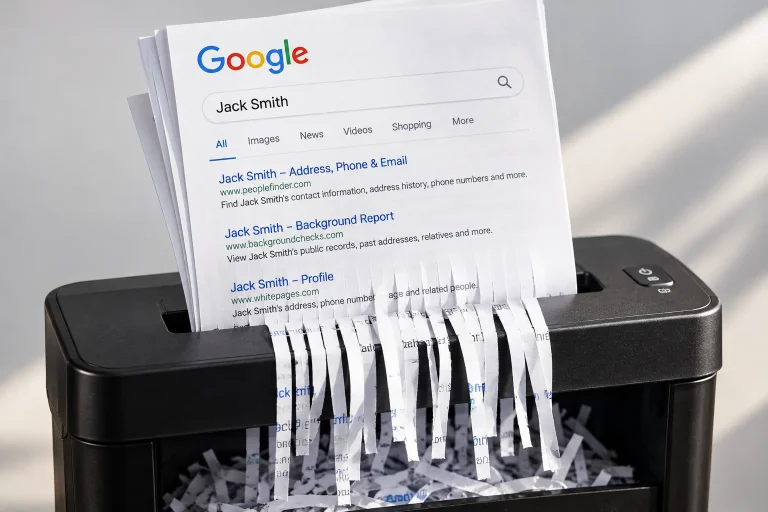
Google can remove some personal information from its search results, but that doesn’t always remove the original webpage. Here is the order I’d use.
An email address can become a surprisingly strong identifier when it has been reused across accounts, public profiles, breach data and people-search databases. Here’s what that means for your privacy.
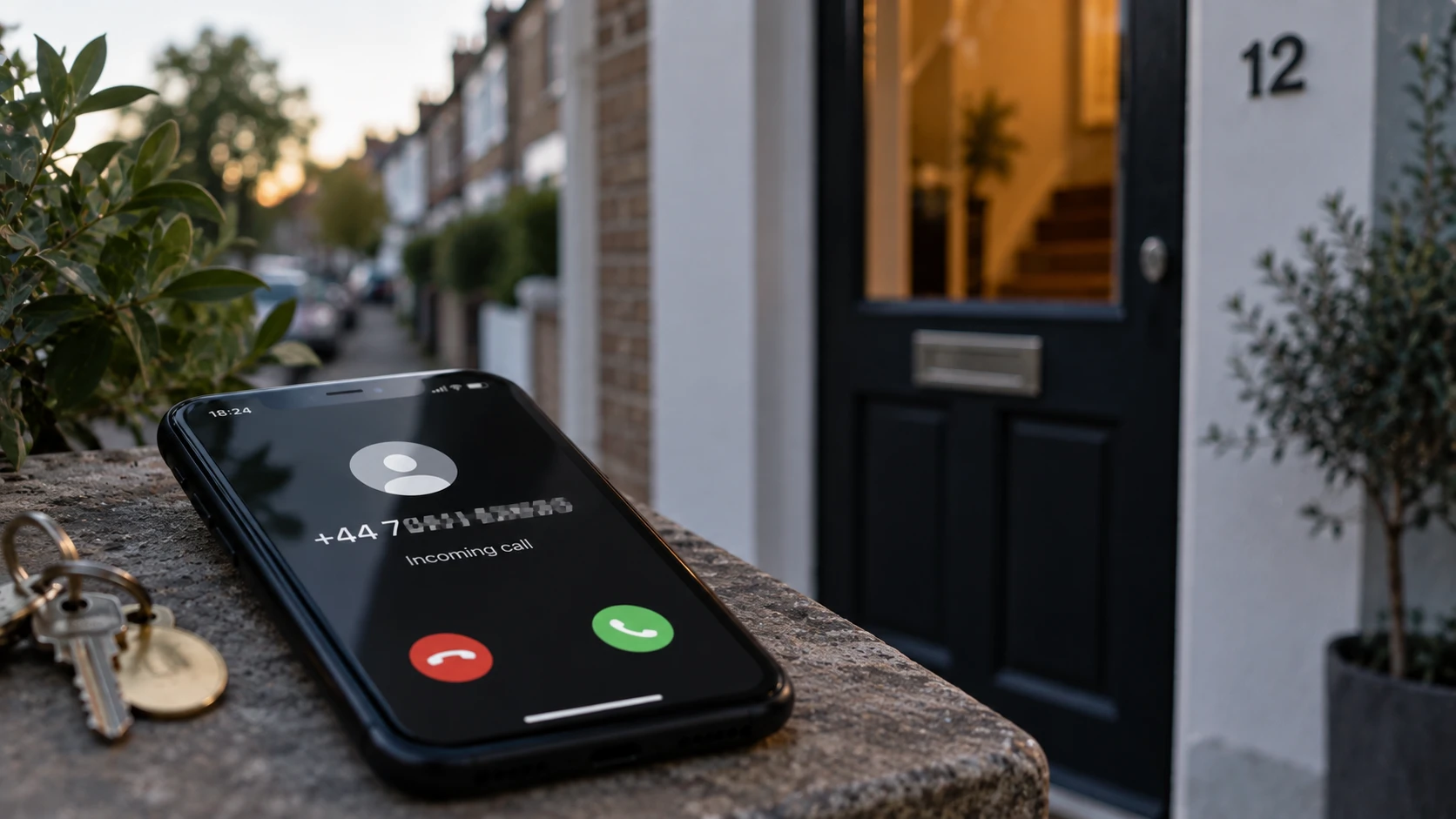
Sometimes a phone number can be connected to an address through public records, people search databases or business listings. That doesn’t mean every number reveals a home address, but it’s worth knowing what your own number exposes.

Run an eight-step digital footprint audit, record accurate exposure and prioritise what to remove, correct or secure.
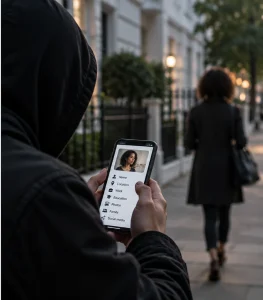
A stranger rarely needs one giant database to learn a surprising amount about you. The privacy problem is how easily small pieces of information can now be connected.

People search sites are the visible end of a much larger data-broker market. The difference becomes important when you want your own information removed, because one opt-out rarely deals with every copy or source.

Data brokers sit behind much of the personal information that follows us around online. Here’s how the system works, what it can reveal and where you still have choices.

I tested privacy-first AI tools to find out which ones meaningfully reduce data exposure without becoming frustrating to use. Here are the standouts and the trade-offs.

Gemini’s biggest privacy difference is how closely it can connect to the rest of your Google account. I checked what that means in practice and which controls matter most.

Deleting an AI chat isn’t the same as deleting everything. This guide shows what you can remove from ChatGPT, Claude, Gemini and Perplexity, and what may remain.

Perplexity is reasonably safe for research, but search history, Personalisation and Comet create different privacy questions. Here’s what I found when I checked them.

Claude gives consumers more control over model training than several mainstream rivals, but that doesn’t make it confidential. I checked what it collects, keeps and protects.

AI chats can be private in one sense and exposed in another. I compared the major chatbots to show what training, storage, human review and ‘private’ modes actually mean.

Passwords and ID numbers are obvious. The harder question is how much everyday context is too much. Here’s what I’d share, redact or keep out of AI entirely.

For children aged 13 to 17, ChatGPT can be used reasonably safely, but only with the right setup. Here’s exactly what parents can and can’t control, checked directly against the product.

ChatGPT doesn’t need to be avoided, but it needs to be treated as an online service rather than a confidential room. Here’s what actually happens to your data, checked directly against the product.

I explain how to find someone’s current or previous address, which free and paid sources are useful and how to check that you’ve found the right person.

If your child is talking to strangers online, the signs are not always obvious. In this guide we explain what to look for, how stranger contact can happen, and how to respond calmly without pushing your child further into secrecy.

Worried your teen’s social media use has become more than normal screen time? This guide explains the signs of social media addiction in teens, how AI-driven feeds and app design keep children scrolling, and the practical steps parents can take to protect sleep, mood and wellbeing.

Instagram may look familiar, but Reels, DMs, follower pressure, AI-edited content and secret accounts can make it difficult for parents to see what is really happening. This guide explains Instagram age limits, Teen Accounts, the biggest risks, restrictions and everything you need to know to keep your children safe.

If your child talks to people inside online games, it can be hard to tell where normal gaming friendship ends and unsafe contact begins. This guide explains how predators can use games to build trust, what grooming can look like, and which warning signs parents should take seriously.

If your child’s gaming account gets hacked, the damage can go far beyond a lost password. This guide explains how to recover the account, secure the linked email, check payments, protect saved items and help your child avoid the same scam happening again.

If your child has seen offers for free Robux, V-Bucks or gaming rewards, it can be hard to know what is real and what is a scam. This guide explains how fake currency scams trick children, the warning signs to look for, and what to do if your child clicks a suspicious link.

The students of today are the employees, leaders, and decision-makers of the future who will choose, deploy, and rely on AI in organisations. The questions they ask and the standards they expect can help shape whether those systems are safe. This page introduces AI safety in an accessible way, helping students understand how AI systems behave and why risks can scale quickly, so they are better prepared for the workplaces and responsibilities that will influence our shared future.
What an AI Safety Policy Covers An AI safety policy isn’t just a document for compliance folders. It’s a shared understanding of what’s allowed, what

AI tools can boost productivity, but they also introduce new risks, from data leaks and phishing to biased outputs and compliance headaches. This guide explains what AI safety means for organisations, the core risk areas to focus on, and the practical steps SMEs can take to put clear, workable safeguards in place.
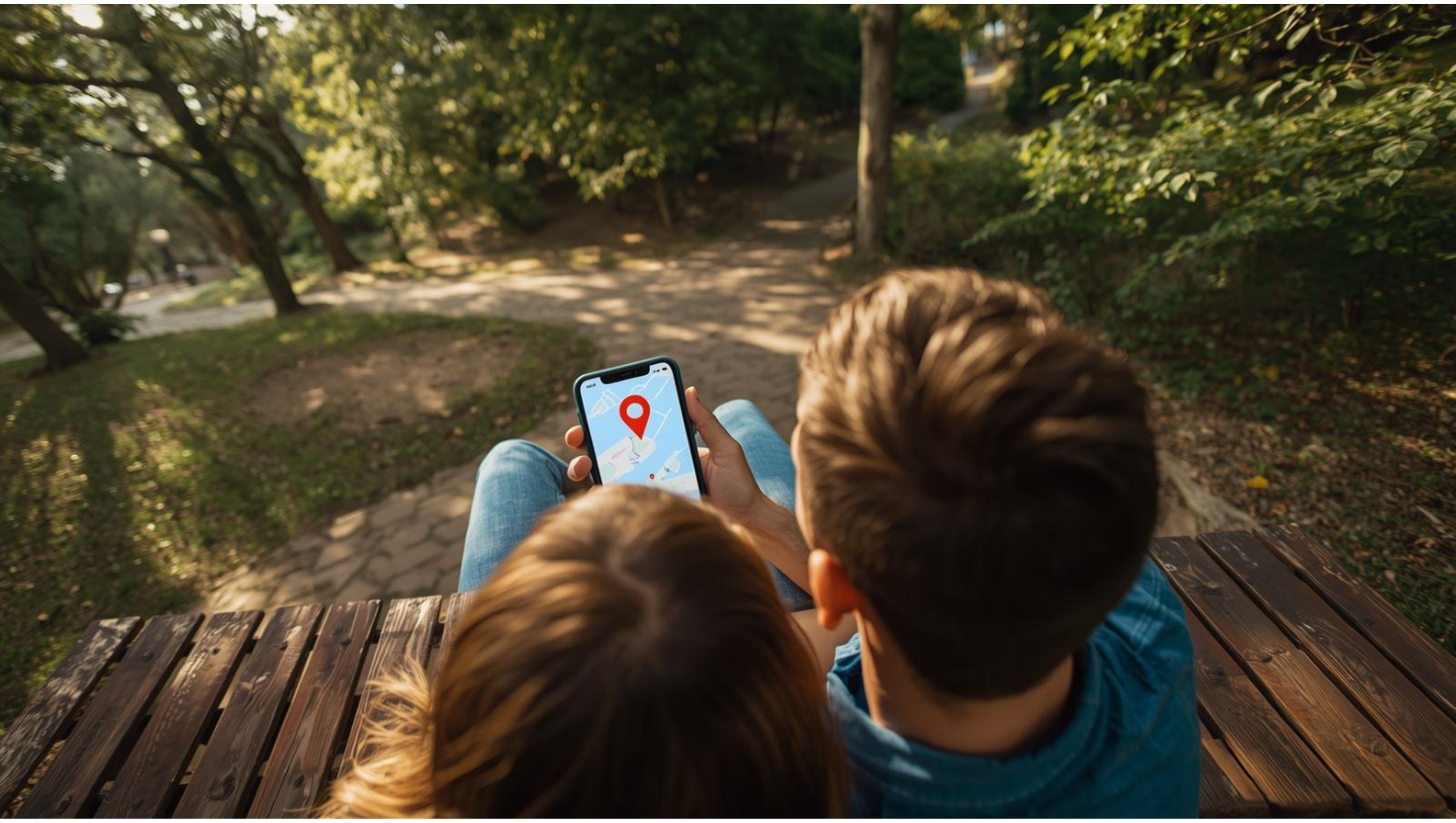
Location sharing can make everyday life safer and calmer. This guide explains the best options for people who need quick check-ins, safer travel and reliable visibility during emergencies.

Work out what a clue actually establishes, check legitimate information, consider false positives and corroborate important findings. Learn when to stop searching and how to discuss what you know without treating suspicion as proof.

If you suspect your partner or someone has been going through your phone or reading your private messages, you might be on to something. This guide explains the emotional and technical signs of snooping, how AI has changed digital trust, and simple ways to strengthen your privacy.

Understand digital cheating signs in context: changed phone habits, communication, online relationships and spending. Learn what patterns may mean, what they don’t prove and how to start a sensible conversation.

Recognise ordinary signs of AI companion use, understand what they do and don’t establish, and start a conversation about privacy and relationship boundaries.

Understand whether AI companion behaviour crosses a relationship agreement or expectation, how secrecy, intimacy, time and spending change its meaning, and how to discuss what hurt.

Is your partner relying on AI for advice or emotional support? Learn the signs of AI overuse in relationships, how it affects trust, and how to set healthy boundaries.
From deepfake endorsements to payment spoofing, scammers are using AI to make fake deals look real. This page lists 33 Black Friday scams you can expect this year and shows exactly how to avoid them. Learn what to look for, which tools help most, and how to keep your accounts and devices secure while shopping.

AI tools have made sextortion easier for criminals, turning innocent photos into fake explicit images. This guide helps you recognise the warning signs, talk to your teen without panic, and take clear steps to report, remove, and recover from AI-driven sextortion.

A practical glossary that explains AI, cybersecurity, and digital safety terms in clear, simple language. Designed to help you navigate our articles, understand technical terms, and apply what you learn to protect yourself, your family, and your business online. NB: We’ll update as terminology evolves.

Understand how AI feeds and chatbot conversations may affect mood, sleep, attention and relationships, where AI therapy falls short, and when human support matters. Includes a reflection quiz and practical wellbeing resources.

AI chatbots can be useful without being reliable advisers. Understand false answers, unsafe advice, privacy, account security and scams, with practical checks for everyday use.

We tested Norton 360 and Aura side by side as full security suites. Both promise all-in-one protection, but they don’t focus on the same threats. Norton led on antivirus and firewall defence, while Aura excelled in identity monitoring with faster fraud alerts and bigger insurance cover. In this review, i’ll share how they compare, which performs better in what, and where they fell short, to help you decide if one is more worth the investment.

Guardio focuses on blocking phishing, malicious sites, and shady extensions right in your browser. Aura goes further with identity theft monitoring, antivirus, VPN, and $5M theft insurance. This guide breaks down where Guardio is enough, where Aura wins, and when you might want both.

Trying to work out who really owns a house, flat or piece of land can quickly become confusing, especially when the person living there isn’t the legal owner or the records point to a company or trust. I explain where to search, how to understand what you find and how to check you’ve identified the right owner before you make contact, send money or rely on the information.

Scannero promises a simple way to find any phone’s location using only its number. Instead of installing software, it sends a text link that reveals live GPS data once clicked. It’s quick, easy, and ideal for one-off checks, but is it accurate enough to trust, and how useful is it compared to full monitoring apps?

McAfee now offers far more than antivirus, but do the new McAfee+ plans really justify their price tags? As a team we put every tier to the test, from basic Antivirus and Total Protection to McAfee+ Ultimate, using them daily for six months. We uncovered strong protection, surprising new tools, and some frustrating trade-offs you should know about before choosing a plan.
Identity theft protection isn’t just about credit monitoring anymore. Modern services combine fraud detection, dark web scanning, insurance, and expert restoration support. I tested the top providers across Windows, macOS, iOS and Android to see how they really perform in practice, and which ones offer the best balance of coverage, usability and value.
Identity Guard has built its reputation as one of the longest-running identity protection services, offering monitoring, fraud alerts, and insurance against theft. I found it excellent at spotting risks and alerting me quickly, though lighter on extras like device security compared to newer all-in-one apps. In this review, I’ll share where it impressed, where it felt thin, and who should seriously consider it.

Norton LifeLock isn’t antivirus software, it’s a dedicated identity theft protection service. It focuses on monitoring your personal and financial details, alerting you to risks, and backing you with insurance if the worst happens. In this review, I’ll explain how it works, who it’s best for, and whether it still earns its reputation as the industry leader.
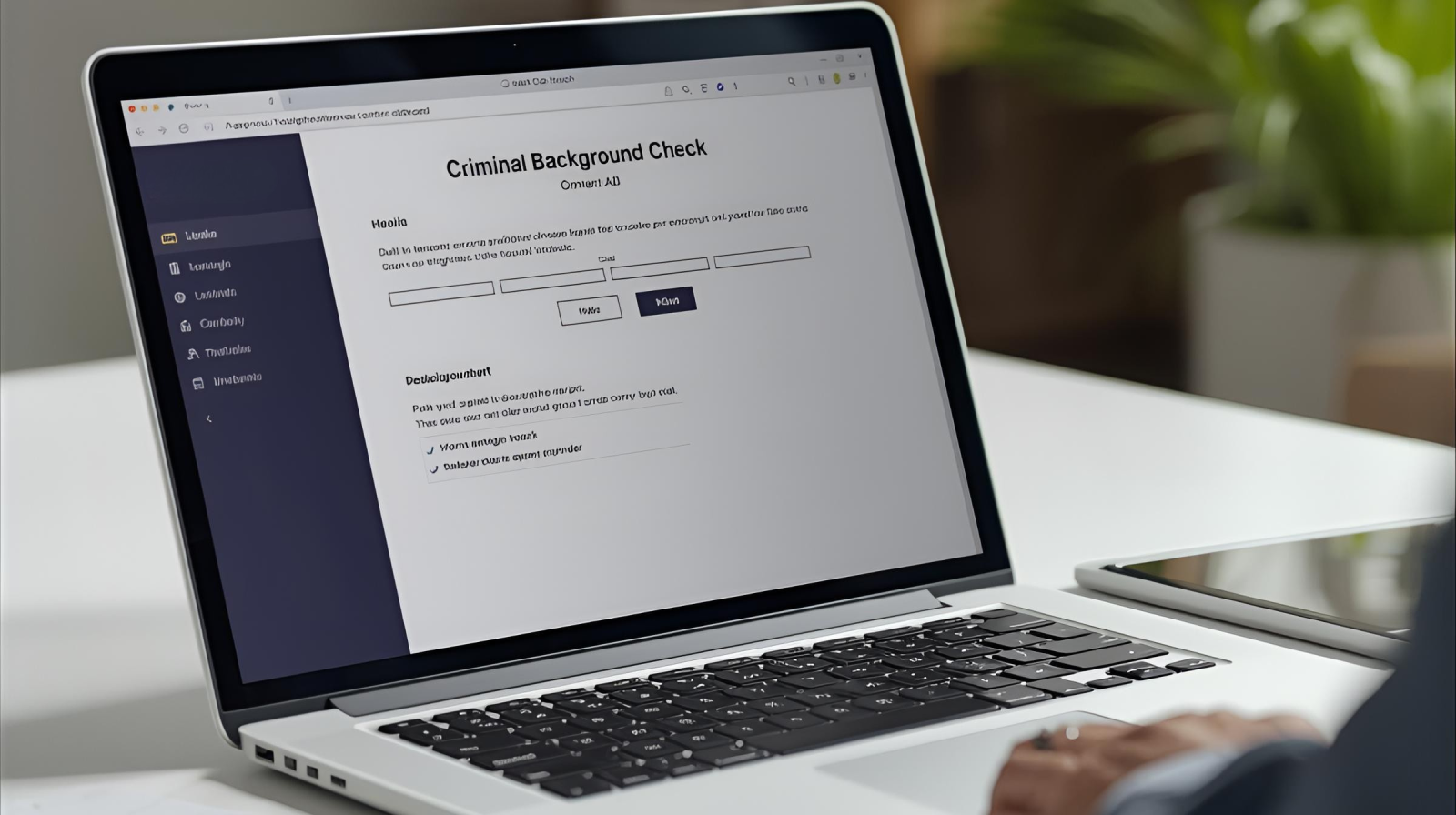
Nearly 100 million people in the US and UK have a criminal record. Whether you’re dating online, hiring, or vetting someone new, knowing how to find this information online can help you make safer choices. This guide covers free and professional tools, how to use them, and how to avoid common mistakes.

Deepfake scams are one of the fastest-growing online threats, targeting individuals, families, and businesses. Learn how they work, how to spot them, and the simple steps that will help protect you from AI-powered fraud.

Sextortion affects thousands of people across all demographics, yet many suffer in silence. This comprehensive guide provides compassionate, practical advice on recognising sextortion attempts, protecting yourself online, and recovering if you’ve been targeted. Written by digital safety experts who understand that knowledge and support (not shame) are the keys to prevention and recovery.

In my years supporting friends through the online dating world, I’ve developed a reliable system for identifying fake profiles before emotional investment begins. This guide shares the specific verification techniques that work, from analysing communication patterns to understanding why certain professions appear repeatedly in catfish profiles. You’ll learn everything you need to know to spot a catfish.

Check identity claims using proportionate public searches and independent verification. Understand the limits of profiles, video calls and certificates.

Romance scammers cost Americans $1.3 billion last year, making online dating fraud one of the fastest-growing cyber threats. Today’s scammers use AI-enhanced communication and elaborate fake personas that fool even cautious daters. This comprehensive guide reveals how modern romance scams work, platform-specific red flags, common scammer names, and verification techniques that actually work. Whether you’re worried about a current connection or want to date more safely, you’ll learn to protect both your heart and wallet.

Doxxing isn’t just something that happens to public figures, it’s a growing risk for everyday people, families, and small business owners. In this guide, I’ll walk you through how personal information gets exposed online, who’s most at risk, and the steps I’ve taken to keep my information safe. No panic, no tech overwhelm – just smart, practical ways to stay in control.

Check suspicious email senders, links and payment requests. Learn how to verify independently, protect private attachments and report phishing.

Aura promises all-in-one protection for your identity, devices, and family, but is it worth the cost? In this review, I’ll break down what Aura offers, how it performs in real life, and whether it actually makes staying safe online easier.
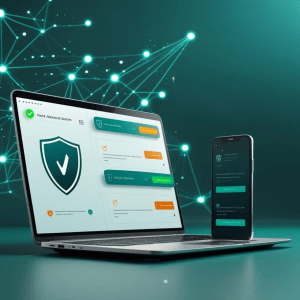
Online scams and phishing attacks are evolving fast, especially with the rise of AI. This guide will help you choose the best antivirus software with built-in scam and phishing protection, so you can stay one step ahead and keep your devices and your information, safe.

If you’re searching for a security solution that protects all of your devices, Norton 360 is likely one of the first names you’ll find. In this review, i’ll walk you through my experience with Norton 360, to help you decide whether it’s worth your time and money.
AI-driven attacks are getting smarter in 2026, making scams, fake emails, and malware harder to catch. With cybercriminals using more advanced tools, you need protection that can keep up. Bitdefender has long been a trusted name in antivirus, but can it still handle today’s evolving threats? In this review, I’ll break down how well it really performs, what features stand out, how it affects device speed, and whether it’s the right fit for your needs now.

AI-powered phishing scams are getting slicker, but I’ve found they still leave clues. In this guide, I’ll show you how to spot the warning signs and avoid getting hooked.
You want digital protection that keeps your personal and financial information safe without slowing down your browsing, and you need to know if a browser extension alone can deliver that peace of mind. This article reviews Guardio’s features, performance, privacy policies, and ease of use, so you can confidently decide whether it’s the right security tool for your needs.

Check unfamiliar websites for misleading domains and suspicious requests. Understand HTTPS, browser warnings and the limits of public URL scanners.

Choosing a VPN can be confusing, especially with so many claims about speed, privacy, and security. In this guide, I got to test the best VPNs for personal use in 2026 – evaluating how they perform day to day, what data they really protect, and whether they’re worth using long-term.
