
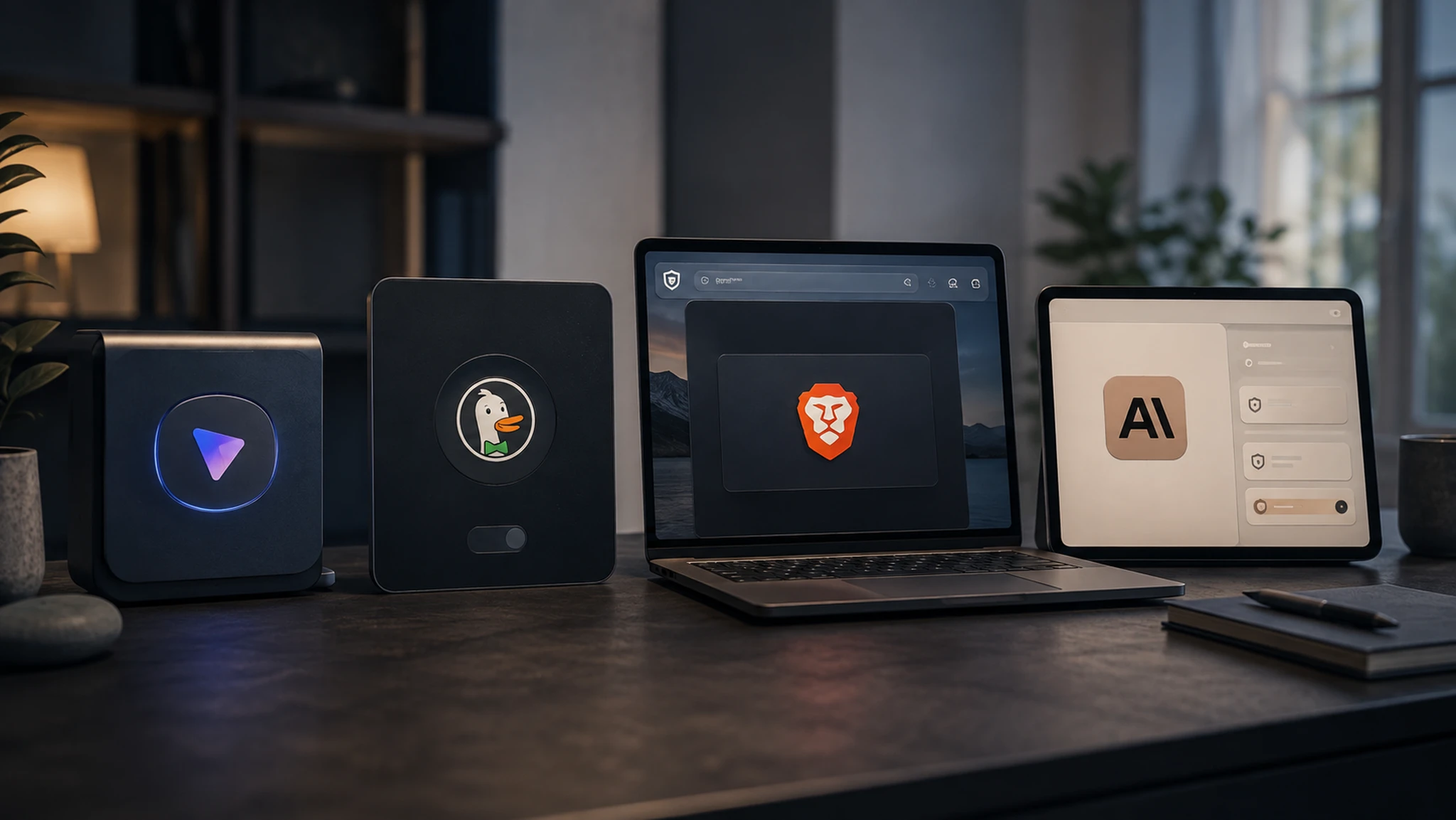

This guide focuses on consumer-friendly cloud AI tools that offer materially stronger privacy than typical mainstream defaults, without requiring you to download, configure and run your own AI model. Local or self-hosted AI can offer a higher privacy ceiling than any of these, but it solves a different problem and requires considerably more technical setup, so I've kept it out of scope here rather than pretending this list is exhaustive.
The best private AI chatbots, at a glance, stack up like this side by side, before we get into why each one earned its place.
| Tool | Best for | Account required | Training approach | Underlying model | Main drawback |
|---|---|---|---|---|---|
| Proton Lumo | Strongest architectural privacy | Yes, a Proton account | No training; zero-access encryption | Open-weight models | Trails frontier models on the hardest reasoning tasks |
| DuckDuckGo AI Chat | Free, no-account access | No | Anonymising proxy in front of well-known models | GPT, Claude and others, anonymised | Privacy architecture varies by underlying model; Tinfoil-hosted options provide the strongest technical guarantee |
| Brave Leo | Existing Brave browser users | No, browser-integrated | Varies by underlying model used | Configurable | Tied to the Brave browser rather than standalone |
| Claude, training off, Incognito for sensitive chats | Mainstream capability with the strongest consumer training control | Yes | User choice; chats used for model improvement only if allowed | Anthropic's own models | Still a cloud service, not architecturally private |
Which tool you should choose depends on your priority; match it to a pick here if you want the answer before reading the individual write-ups below.
| If your priority is | I'd choose |
|---|---|
| Maximum cloud privacy | Proton Lumo |
| No account at all | DuckDuckGo AI Chat |
| Frontier capability with the strongest consumer training control | Claude, training off, Incognito for anything sensitive |
| General research | DuckDuckGo AI Chat, or Perplexity used carefully with AI Data Retention off |
| Work tasks | None of these; use your organisation's approved business tier instead |
| Local, highly sensitive documents | A self-hosted local model, accepting the extra technical setup |
| Casual, everyday questions | Brave Leo, if you're already in that browser, or Duck.ai otherwise |
We tested every recommended tool ourselves and assessed it against the same eight areas: training, retention, account requirements, privacy architecture, provider visibility, deletion, verifiability and real-world capability.
I used each tool for what information was required to start using it, looked at the default training and history settings, tested account-free access where available, and went through the deletion controls. I also used them for normal writing, research and explanation tasks, because privacy isn't very useful if the tool is frustrating enough that you immediately go back to ChatGPT. Nick and I don't always land on the same pick for the same task, and we've left that disagreement in rather than smoothing it over, since it's genuinely useful for you to see where two people testing the same tools reached different conclusions. See how we research AI safety for our full methodology.
| Criterion | What we checked |
|---|---|
| Training | Whether conversations are used to improve the model, and whether that's opt-in or opt-out |
| Retention | How long data is kept, and whether that's under your control |
| Identity requirement | Whether an account is needed, and what it requires |
| Architecture | Whether privacy comes from encryption/design or from policy alone |
| Provider visibility | Whether the company itself, or a human reviewer, can access your conversations |
| Deletion | How straightforward it is to actually remove your data |
| Verifiability | Whether claims can be independently checked, such as through open source code |
| Capability | Whether the underlying model is usable for real tasks, not just private |
Why we picked it. Proton Lumo is our top pick for architectural privacy because saved conversation history uses zero-access encryption and its privacy claims can be independently inspected through open-source code. It's hosted in European data centres under GDPR. Worth knowing: a prompt still has to be readable by the model while a response is being generated, so the zero-access protection is about what's retained afterwards, not an absolute guarantee that nothing is ever processed.
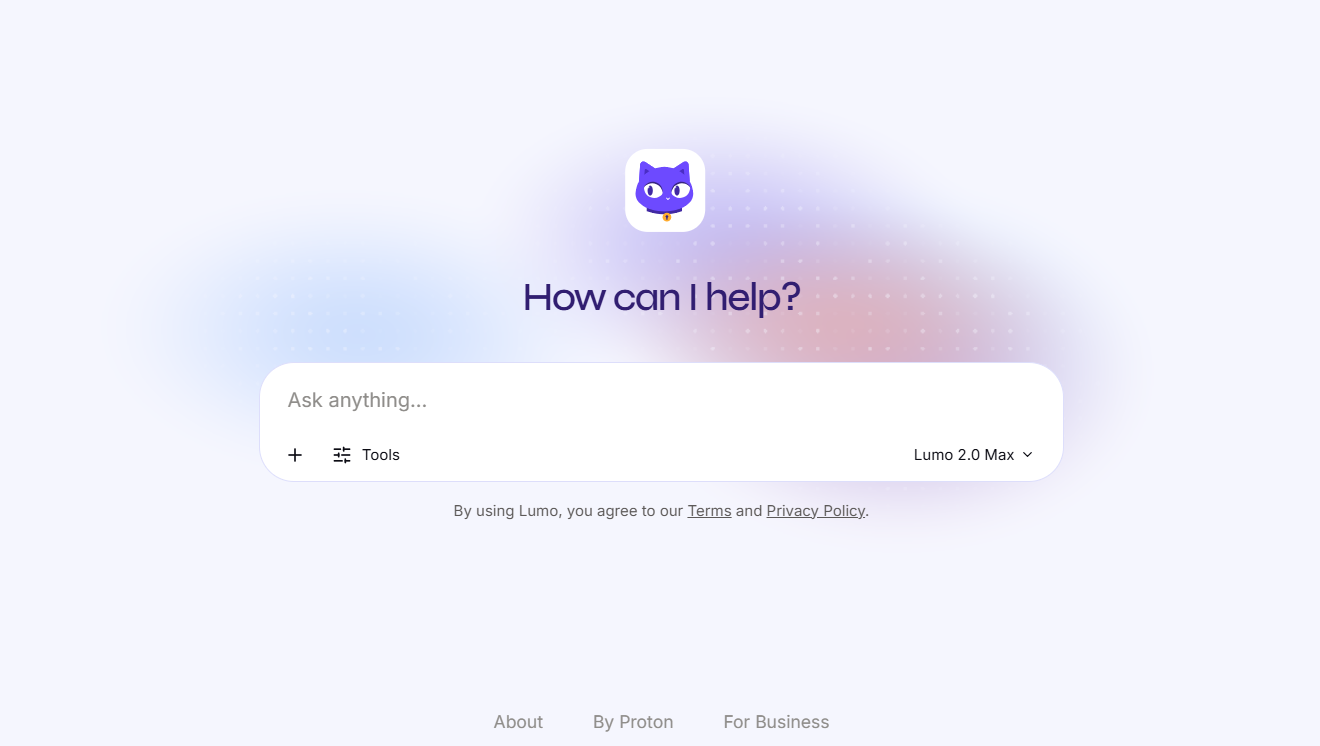
What we found. Sign-up requires a Proton account. In ordinary writing and explanation tasks, I found the privacy trade-off much less noticeable than I expected. The gap becomes clearer when you ask it to do the more demanding reasoning or multimodal work that frontier tools now handle comfortably.
Choose it if strong cloud privacy is your priority and you can accept a capability step down. Skip it if you need frontier-level reasoning or multimodal features.
Why we picked it. DuckDuckGo AI Chat is our best free no-account option because you can use mainstream AI models without creating a named account, while Duck.ai acts as an anonymising layer between you and the model provider.
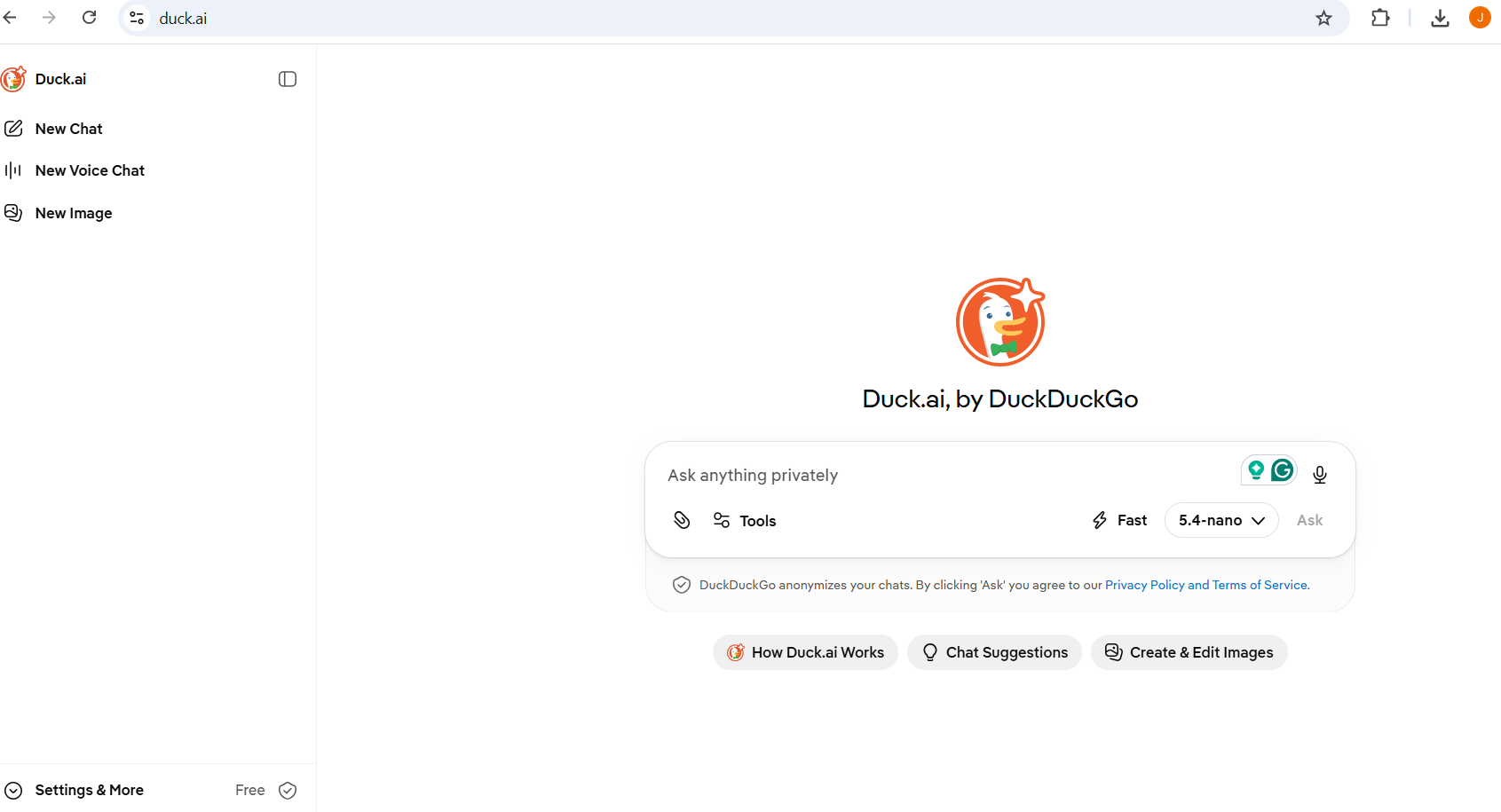
What we found. The biggest advantage in practice is friction, or rather the lack of it. You can open it and start asking questions without deciding whether another account is worth creating. For most of its mainstream model options, Duck.ai's protection comes from anonymisation plus contractual Zero Data Retention agreements with the underlying providers. Some models hosted through Tinfoil go further, labelled ‘zero provider visibility' in the app, and are processed inside a Trusted Execution Environment designed so even the hosting company can't see the prompt or the response.
Choose it if you want access to mainstream underlying models without handing your query history to the provider directly, and consider the Tinfoil-hosted models specifically if you want the strongest guarantee available. Skip it if your prompts contain genuinely sensitive material that needs an architectural, not contractual, guarantee across every model option.
Why we picked it. Brave Leo is our best option for existing Brave users because it requires no separate account, routes requests through an anonymising proxy and keeps saved chat history locally on your device. Leo is built directly into the Brave browser and needs no account for the free tier. Brave states that requests are routed through an anonymising proxy that strips your IP address before it reaches the model, that responses aren't persisted on Brave's servers or used for training, and that even Premium subscriptions use unlinkable tokens so payment details can't be tied to your usage.
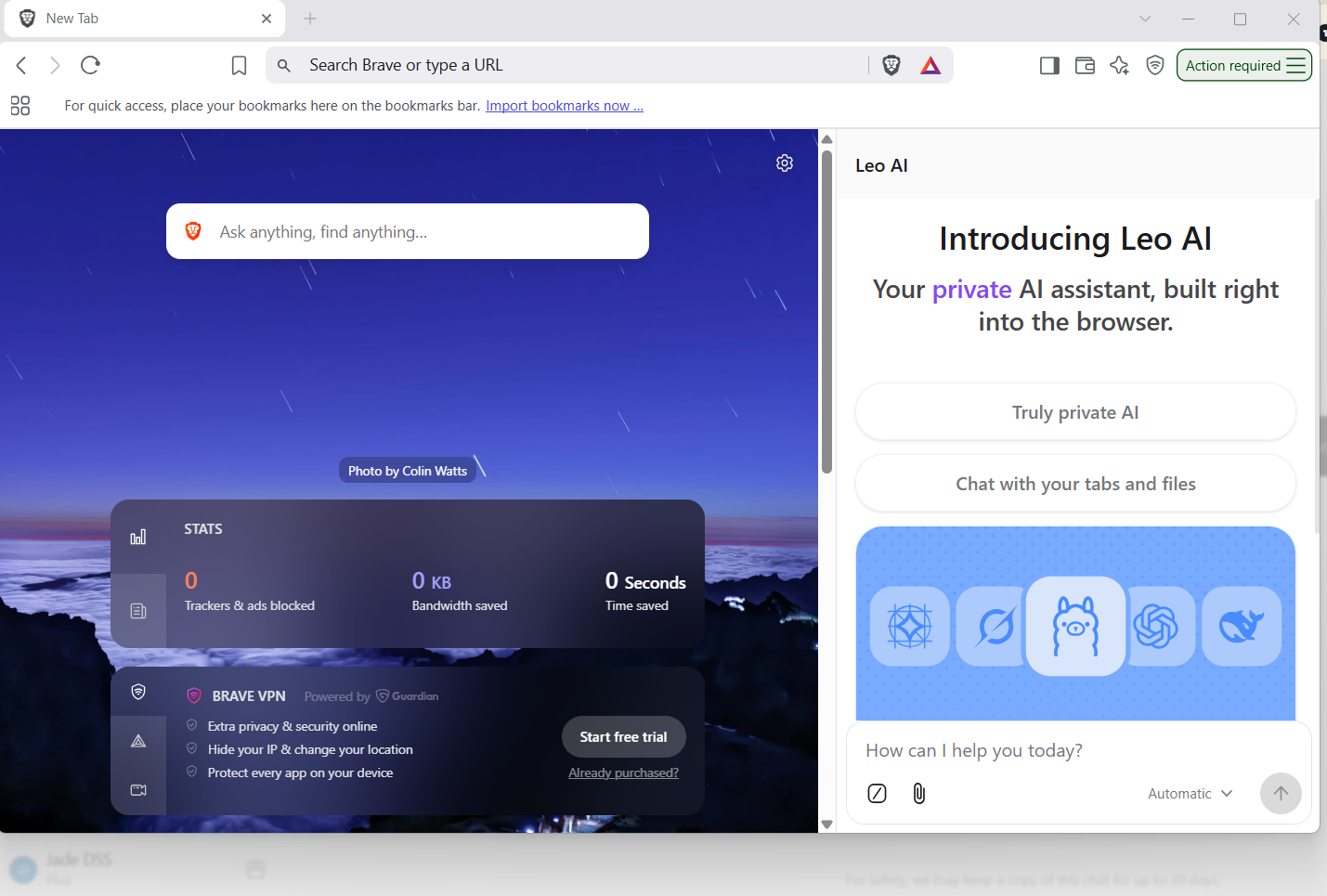
What we found. Chat history, when you choose to keep any, lives locally on your device rather than in the cloud, and can be cleared or disabled entirely. The trade-off is that Leo only works inside Brave; there's no standalone app, so it makes most sense if Brave is already where you spend your time. If it isn't, I don't think the privacy case is strong enough on its own to justify reorganising your browsing around it.
Choose it if you're already inside the Brave ecosystem and want a private assistant with no separate account. Skip it if you want a dedicated app independent of your browser, or need persistent memory across sessions, which Leo doesn't offer by design.
Mainstream AI chatbots configured more privately are a genuine middle ground if you need frontier capability, though they aren't privacy-first services and I don't want to present them as equivalent to Lumo or Duck.ai.
Claude with model improvement switched off is the option I'd consider if you know you still need frontier-level capability and are comfortable managing privacy through settings rather than choosing a service designed around privacy from the start. Incognito mode adds a layer for anything you want kept out of the picture entirely, though it remains an 18+ product. See Is Claude Safe?
ChatGPT with Temporary Chat reduces persistence for one-off sensitive queries, though ordinary training defaults to on unless you change it. See Is ChatGPT Safe?, Is Google Gemini Safe? and Is Perplexity Safe? for how the other mainstream tools compare on the same trade-off.
Tested but not recommended: we also looked at other tools marketed on privacy. Here's why they didn't make the list above, since knowing what we ruled out and why is worth as much as knowing what we picked.
| Tool | Why it's not a core recommendation |
|---|---|
| Venice AI | Genuinely privacy-focused architecture, but its permissive, largely unmoderated content stance sits outside what we're comfortable recommending on a family-safety site |
| Standard consumer ChatGPT, defaults untouched | Trains on conversations by default; only earns a place here once you actively change the settings, covered above |
| Standard consumer Gemini and Perplexity, defaults untouched | Same reasoning; on by default with an opt-out, not privacy-first by design |
| Fully local, self-hosted models | Can offer the strongest privacy ceiling of all, but is a distinct technical project outside the scope of this consumer-tool comparison, covered below |
The different classes of private AI are worth knowing before comparing one tool to another, since a browser-integrated assistant and a privacy-first cloud service are solving different problems even when both use the word ‘private'.
‘Private AI' actually means one of two things: architectural privacy or policy-based privacy, and the reason I separate them is simple: they ask you to place different amounts of trust in the provider.
Zero-access encryption, local processing or no-account approaches where the design itself limits what the provider can see, rather than relying on a policy promise.
The data still reaches the provider's servers, but contractual and settings-based restrictions limit what happens to it afterwards. This is a real form of privacy, just a different, less technically absolute one than architectural privacy.
The capability you give up for privacy is barely any for everyday writing and research, and a genuine gap for advanced coding, complex reasoning or multimodal work. This is the part privacy roundups often underplay. A tool can have excellent privacy and still be the wrong choice if it can't do the job you need it for.
A fully local AI model can offer stronger privacy because prompts and documents can remain on your own device rather than being sent to a cloud service. Some local software still involves telemetry, updates or optional online functionality, so this isn't an absolute guarantee either; check what a specific tool actually does before assuming ‘nothing leaves your device'. If your requirement is that information absolutely cannot leave your device, a local model is the direction I'd investigate next. It just isn't the same level of setup as opening a browser and creating an account, which is why I haven't mixed those options into this list.
No private AI is automatically safe for confidential information, since privacy-first isn't the same as unlimited safe handling of any sensitive information. Even Lumo's architectural privacy isn't a reason to paste in a password or a full financial document. See what information you should never share with AI, which applies regardless of which tool you choose, and Are AI Chats Private? for the full picture of what ‘private' actually covers, or the AI Safety hub for more on AI safety.
If privacy were my first priority and I still wanted a normal, consumer-friendly chatbot, I'd start with Proton Lumo. If I wanted something free with almost no signup footprint, I'd use DuckDuckGo AI Chat. If I needed the capability of a mainstream frontier model, I'd accept that I was making a different privacy trade-off and use Claude with its model-improvement setting disabled.
There isn't one winner for everybody because the real choice is how much capability, convenience and provider trust you're willing to exchange for stronger privacy.
Sources and further reading
Settings last checked: August 2026.