
Compare whole-family security, identity and scam protection, then add child controls, location sharing or supported monitoring where your household needs them. Check the gaps before paying for overlapping tools.
With technology evolving quickly, parents need tools that match the pace of new risks and challenges. These all-rounders might just tick the box.
When you buy through links on our site, we may earn an affiliate commission. Learn more

The best online safety apps for families protect a household with different needs: adults facing scams and account theft, children needing age-appropriate boundaries, and relatives who want agreed location check-ins. No single app covers every risk.
This comparison starts with device security, identity protection and scam protection, then considers which child controls, location tools or supported communication alerts you may need alongside them. Aura and Bitdefender are relevant to broader security bundles; Qustodio, Norton Family and Bark address particular child-safety needs. Eligibility, plans and device coverage matter as much as the headline feature list.
If your main decision is screen time or app blocking, use our parental-control comparison. For supported social-content alerts, see the monitoring guide. Here, the question is how those tools fit into the whole family's protection without buying the same feature twice.


Different family members face different risks. A child may need bedtime rules, an adult may need device and account protection, and a relative may want consensual location check-ins. A single child-monitoring dashboard does not meet all of those needs.
Use a family plan when it provides eligible, useful coverage at a sensible renewal cost. Use a specialist tool when it fills a clear gap. Start by identifying who and what needs protection, then compare the layers below.
| Layer | Purpose and Limit |
|---|---|
| Device Security | Protects supported devices; does not establish identity or message coverage |
| Identity and Scam Protection | Monitors specified risks and supports recovery; eligibility and coverage vary |
| Child Controls, Monitoring and Location | Adds agreed boundaries or supported alerts; no complete visibility or safety guarantee |
Keep the setup proportionate. Explain child monitoring, agree location sharing, and give adults appropriate privacy. Review the controls after device changes and major app updates.
Build around the gaps in your household's existing protection. Separate these layers rather than assuming every “family safety” subscription includes them all.
Check which security features are included for each computer, phone and tablet. Antivirus, malicious-site protection and a VPN do different jobs; a VPN is not proof that a message or website is trustworthy. iPhone, Android, Windows and Mac coverage can differ even under one subscription. Bitdefender's security bundle is relevant to this layer; dedicated child-control apps should not be treated as antivirus replacements.
Look for the personal information monitored, clear breach alerts and practical recovery support. Adult credit monitoring, child identity monitoring and scam blocking are separate features. Check eligibility and region before paying: Aura's fraud protection, credit monitoring and parental controls are offered to US-based users. A UK household should choose services it is eligible to use rather than treating a converted US price as a UK plan.
No service can guarantee that it will recognise every deepfake, impersonation or scam. Verify unexpected requests for money or sensitive information through an independently trusted contact method; an absent alert is not reassurance.
Choose filtering, schedules and app restrictions for the child's exact device and age. Social-content alerts are an additional layer, with app-specific limits, rather than full visibility into private conversations. “AI-powered” analysis does not mean every AI chatbot is covered. Agree what is monitored and why, and use alerts to start supportive conversations.
If location matters, confirm a current location-sharing feature separately. Check consent, permissions, battery use and whether it works when connectivity is poor. A device location is approximate and does not confirm the person's safety. Do not assume an identity or antivirus bundle includes a family locator, or use an app alert as a substitute for emergency help.
Check who can view each family member's information, what children can see about monitoring, and how data retention and deletion work. Adults should retain appropriate account privacy. Compare people and device limits, renewal prices, regional eligibility and the exact included plan. Avoid doubling up on conflicting web filters or VPN profiles without checking the providers' compatibility guidance.
Provider documentation: Aura family coverage; Aura regional availability; Bitdefender Premium Security; Norton Family feature compatibility.
These tools serve different layers of family safety. Compare the strongest use case and the uncovered gap before choosing a bundle or adding a specialist app. Platform availability does not mean identical features on every device.
| App | Ideal For | Key Strength | Platforms | Important Gap |
|---|---|---|---|---|
| Bark | Families with teens | AI alerts for risky content | iOS, Android, ChromeOS | Supported content only; no adult antivirus or credit monitoring |
| Qustodio | Families with kids of all ages | Screen time & app controls | iOS, Android, Windows, macOS | Child controls, not whole-household identity protection |
| Norton Family | Primary school-aged kids | Web supervision & School Time | Windows, Android, iOS | Child features vary by OS; antivirus requires a security plan |
| Aura | Whole-family protection | ID theft, scam & privacy alerts | iOS, Android, Windows, macOS | US eligibility; no verified family locator |
| Bitdefender Premium Security | Families with shared devices | Antivirus + parental controls | iOS, Android, Windows, macOS | Not a substitute for supported teen-message monitoring |
Aura is relevant when eligible US households want identity protection and device-security tools alongside child controls. The Family plan combines adult identity and credit monitoring with antivirus, VPN and safe-browsing features. Child identity coverage differs from adult coverage, and adult members have private accounts.
Check the exact plan: the Kids plan is not the same whole-household security bundle. Gaming monitoring is described for supported PC games, not every chat on every console or phone. There is no verified family-locator feature in this comparison.
Aura key features:
Best for: Eligible US families wanting a broader security and identity bundle.
Bitdefender Premium Security is relevant when protecting household devices is the main priority. The current Family plan includes five accounts and 25 devices, with security, VPN and Scam Protection Pro alongside child controls. The Individual plan differs. Check the live package and platform-specific scam features before subscribing.
The current parental-control documentation emphasises online activity reports, content restrictions and Focus, Family Time and Bedtime routines. Do not buy it on the assumption that it reads children's texts or calls, or provides the precise GPS tracking claimed by older descriptions.
Bitdefender Premium Security key features:
Best for: Households needing device security first, with child controls alongside it.
Qustodio is a child-control layer rather than an adult identity or antivirus bundle. Consider it for web rules, schedules and supported app controls. Its custom website settings can allow, block or notify about a site; “Alert me” does not block access.
Check the child's operating system, supported browser and subscription. Do not assume iPhone and Android provide identical app, communication or location features, or that YouTube reporting reveals every social conversation.
Qustodio key features:
Best for: Families adding structured child-device rules to existing household security.
Norton Family provides child web supervision, School Time and supported time-management features. Child-device support covers Windows, Android and iOS, with important feature differences. A parent may manage settings from a Mac browser, but that does not mean a child's Mac is supported.
Norton Family itself is not an antivirus or VPN bundle. Check whether a separate Norton security subscription includes it. Location features on supported mobile devices are approximate; SMS supervision and call blocking on Android have been disabled.
Norton Family key features:
Best for: Families wanting child web guidance, particularly when already using an eligible Norton security plan.
Bark adds alerts about potentially concerning content from supported child accounts and devices. Monitoring, screen-time controls and filtering are separate capabilities, so check which product and setup provides each one.
Coverage varies by app and operating system. For example, Bark lists TikTok direct-message text, including Tako AI interactions, on Android and Amazon Fire; this does not establish visibility into all AI companions or iPhone chats. Alerts can miss context or flag harmless material and do not diagnose mental-health conditions. Explain monitoring openly and agree how alerts will be handled.
Bark key features:
Best for: Families with an identified need for supported communication alerts alongside other security layers.Best Online Safety Apps for Families Compared
These tools serve different layers of family safety. Compare the strongest use case and the uncovered gap before choosing a bundle or adding a specialist app. Platform availability does not mean identical features on every device.
| App | Ideal For | Key Strength | Platforms | Important Gap |
|---|---|---|---|---|
| Bark | Families with teens | AI alerts for risky content | iOS, Android, ChromeOS | Supported content only; no adult antivirus or credit monitoring |
| Qustodio | Families with kids of all ages | Screen time & app controls | iOS, Android, Windows, macOS | Child controls, not whole-household identity protection |
| Norton Family | Primary school-aged kids | Web supervision & School Time | Windows, Android, iOS | Child features vary by OS; antivirus requires a security plan |
| Aura | Whole-family protection | ID theft, scam & privacy alerts | iOS, Android, Windows, macOS | US eligibility; no verified family locator |
| Bitdefender Premium Security | Families with shared devices | Antivirus + parental controls | iOS, Android, Windows, macOS | Not a substitute for supported teen-message monitoring |
Aura is relevant when eligible US households want identity protection and device-security tools alongside child controls. The Family plan combines adult identity and credit monitoring with antivirus, VPN and safe-browsing features. Child identity coverage differs from adult coverage, and adult members have private accounts.
Check the exact plan: the Kids plan is not the same whole-household security bundle. Gaming monitoring is described for supported PC games, not every chat on every console or phone. There is no verified family-locator feature in this comparison.
Aura key features:
Best for: Eligible US families wanting a broader security and identity bundle.
Bitdefender Premium Security is relevant when protecting household devices is the main priority. Its security suite and VPN can sit alongside child filtering and internet-time routines. Check the current family plan, device allowance and included parental-control features before subscribing.
The current parental-control documentation emphasises online activity reports, content restrictions and Focus, Family Time and Bedtime routines. Do not buy it on the assumption that it reads children's texts or calls, or provides the precise GPS tracking claimed by older descriptions.
Bitdefender Premium Security key features:
Best for: Households needing device security first, with child controls alongside it.
Qustodio is a child-control layer rather than an adult identity or antivirus bundle. Consider it for web rules, schedules and supported app controls. Its custom website settings can allow, block or notify about a site; “Alert me” does not block access.
Check the child's operating system, supported browser and subscription. Do not assume iPhone and Android provide identical app, communication or location features, or that YouTube reporting reveals every social conversation.
Qustodio key features:
Best for: Families adding structured child-device rules to existing household security.
Norton Family provides child web supervision, School Time and supported time-management features. Child-device support covers Windows, Android and iOS, with important feature differences. A parent may manage settings from a Mac browser, but that does not mean a child's Mac is supported.
Norton Family itself is not an antivirus or VPN bundle. Check whether a separate Norton security subscription includes it. Location features on supported mobile devices are approximate; SMS supervision and call blocking on Android have been disabled.
Norton Family key features:
Best for: Families wanting child web guidance, particularly when already using an eligible Norton security plan.
Bark adds alerts about potentially concerning content from supported child accounts and devices. Monitoring, screen-time controls and filtering are separate capabilities, so check which product and setup provides each one.
Coverage varies by app and operating system. For example, Bark lists TikTok direct-message text, including Tako AI interactions, on Android and Amazon Fire; this does not establish visibility into all AI companions or iPhone chats. Alerts can miss context or flag harmless material and do not diagnose mental-health conditions. Explain monitoring openly and agree how alerts will be handled.
Bark key features:
Best for: Families with an identified need for supported communication alerts alongside other security layers.
| App Name | Pros | Cons |
|---|---|---|
| Bark | Alerts from supported social content, texts and emails. | Subscription required. Occasional false positives in alerts. |
| Qustodio | Comprehensive screen time tools, web filtering, and app usage reports. | Child-device coverage varies; no adult antivirus or identity bundle. |
| Norton Family | Strong web supervision, School Time mode, and cross-device support. | Child Mac unsupported; features vary on Windows, Android and iOS. |
| Aura | All-in-one family security: identity theft, scam alerts, and online privacy tools. | US eligibility and plan differences; no verified family locator. |
| Bitdefender Premium Security | Robust antivirus with included parental controls. Multi-device coverage for families. | Check current plan and device features; not full message or call monitoring. |
Apps differ in features, platforms supported, and how they approach family safety. Some prioritize content monitoring, while others focus on device security or identity protection.
Be sure to check compatibility with your devices – not all features work equally across iOS, Android, or desktop systems.
List your existing security subscriptions and built-in controls first. Then choose a combination for the remaining gap:
Trial the exact household setup where a trial is available. Check one allowed and one blocked website, a schedule, notification delivery and emergency communication. Confirm overlapping web filters or VPN profiles are compatible before combining products. Compare renewal cost with the features you will actually use.
Choose the missing protection layer rather than the longest feature list. Bitdefender is relevant when device security is the priority. Aura is relevant to eligible US households seeking identity and security coverage with child tools. Qustodio and Norton Family focus on child-device rules; Bark adds supported communication alerts. None provides complete visibility or guaranteed safety.
A sensible combination might be household device security plus built-in child controls, with a dedicated parental-control or monitoring service added only for an identified gap. Location sharing is another separate choice. Check platform compatibility before running overlapping tools, and preserve adult privacy and age-appropriate child autonomy.
This update uses current provider documentation to clarify coverage and limitations; it does not establish a new hands-on performance test. Check the live plan, eligibility and renewal terms before paying, then review the setup as your family's needs change.

Family safety tools cover different layers. These answers explain where child controls, device security, identity services and location sharing fit, and where their limits matter.
A family safety setup protects different household members through device security, identity and scam services, child controls and optional agreed location sharing. A parental-control app focuses mainly on children’s device use. Neither label guarantees every feature; compare the exact plan and uncovered gaps.
Supported security tools may block known malicious sites or flag specified suspicious activity, while identity services may alert you to monitored data exposure. They do not reliably authenticate every voice, image or video, and cannot guarantee a scam is stopped before harm. Verify unexpected money or information requests through an independently trusted contact method.
A compatible location-sharing or check-in tool can help family members share a device’s approximate position by agreement. Confirm the actual location and SOS features, permissions and connectivity requirements before relying on them. An antivirus or identity subscription may not include these tools. App notifications and location dots do not confirm a person’s safety or replace emergency services.
Online safety tools that help families stay connected in emergencies include features like real-time GPS tracking, SOS or panic buttons, and geofencing alerts. Apps such as Bark and Life360 offer these tools to help parents and caregivers respond quickly if someone is in danger or goes off route.
The best way to introduce online safety tools to older kids or teenagers is by choosing apps that respect their privacy while offering guidance. Many tools now include teen-friendly features like self-monitoring dashboards, content alerts instead of bans, and clear data transparency – all of which promote trust and open communication.
The best free tools for improving your family’s digital safety in 2025 include Google Family Link, OpenDNS FamilyShield, and KidLogger. These offer basic features such as content filtering, screen time monitoring, and location tracking, with optional upgrades for more advanced support.
Use household device security as a foundation, then apply different child rules by age and need. Qustodio or Norton Family may fit schedules and web rules; Bark may fill a specific supported communication-alert gap. An eligible identity service can be another layer. Check compatibility, consent, regional eligibility and renewal costs rather than assuming that combining apps covers every risk.
The best setup for families with both teens and younger children is often a combination of tools. Qustodio works well for managing younger kids’ screen time and web use, while Bark is excellent for monitoring teen communication and alerting you to serious risks like bullying or predatory messages. If you also want scam or identity protection for adults and older kids, Aura can add another layer of safety for the whole household.
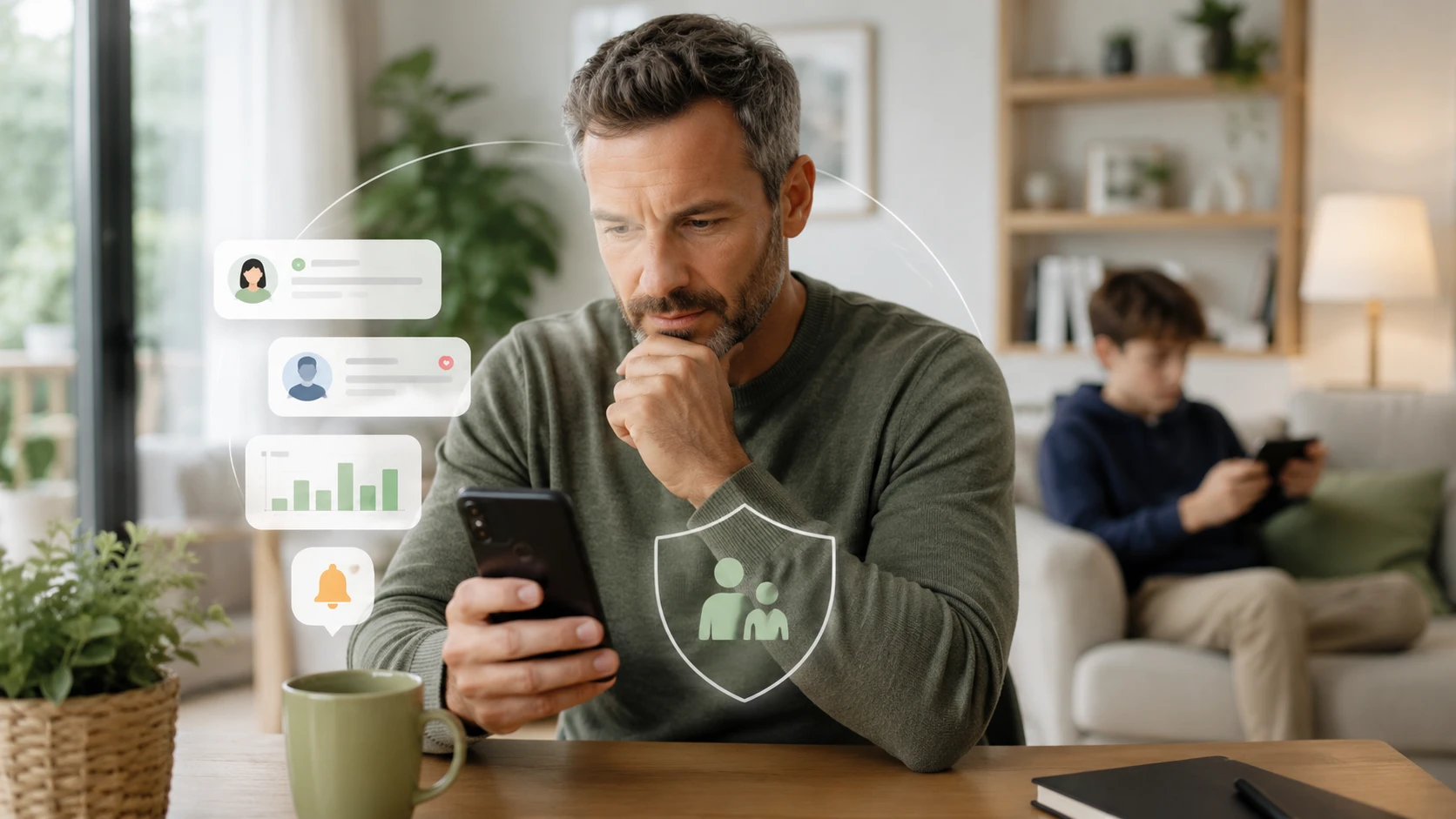
Best Social Media Monitoring Tools for Parents in 2026

Best Parental Control Apps for Safe Online Gaming in 2026

Best Location Sharing Apps for Android & iPhone (2026)

Best Parental Control Apps: The Apps That Work for My Family
Best Online Safety Apps for Families in 2026: Trusted & Tested
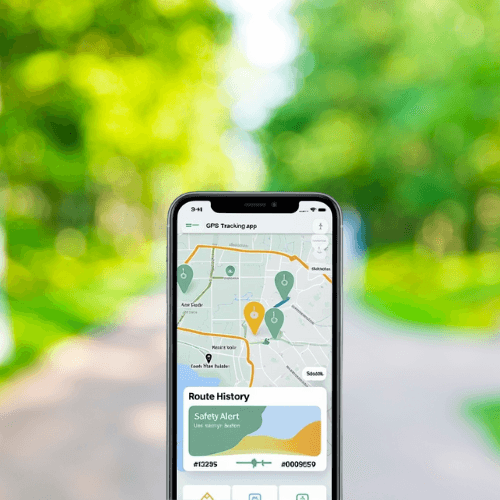
Best GPS Tracking Apps for Family 2026: Accurate & Reliable
Ready to protect your personal life too?
Our personal security content is crafted by digital security specialists with real-world experience. No fluff. No sponsored bias. Just clarity and control for your peace of mind.
We take your business as seriously as you do.

Protecting Your Digital World One Step at a Time.
Some pages include affiliate links. We may earn a small commission at no extra cost to you. Our reviews remain unbiased and independent.
Copyright © 2025 | Digital safety squad | All Rights Reserved