FamiSafe Review 2026 Is It Worth It for Parents?

Published · Updated
FamiSafe goes beyond basic screen time controls, with location tracking, content alerts and broader activity monitoring. I wanted to see whether that extra visibility gives parents useful context or simply more information to interpret. Here’s what worked, what didn’t and whether FamiSafe is worth paying for.
Our reviews are independent. Learn how we test.
My Verdict Full Breakdown
FamiSafe is strongest when its monitoring points to something worth checking, particularly with location and content alerts. The downside is that more visibility also means more information to interpret, and the experience varies considerably between iPhone and Android. It’s a capable option for families who want broader oversight, but not one I’d choose purely for basic screen time limits.
Pros & Cons at a Glance
Pros
- Geofence alerts help parents check arrivals and departures.
- Content alerts highlight online interactions worth checking.
- Screen time rules and app controls sit alongside location information.
- Annual offers can cover several devices, with the allowance depending on the purchase route.
Cons
- Setup involves substantial permissions and takes some patience.
- Alerts sometimes lack the context needed to interpret them.
- iPhone monitoring differs from Android and cannot promise access to every chat.
- Battery use and notification delays can reduce convenience.
- Customer feedback includes concerns about reliability and subscription handling.
What Is FamiSafe?
FamiSafe is Wondershare's parental control service. It combines app and screen time rules, web filtering, location tools and content alerts in a parent dashboard. Its appeal is having several types of information together, rather than having to check separate tools for each part of a child's device use.
A daily screen time total only tells you how long a child was online. It says very little about what happened during that time. That extra visibility can be useful, but it also means more information to interpret, including conversations that may be private without being unsafe.
How FamiSafe Works
A parent account is paired with software on the child's device. The child-side permissions let supported features report activity or apply rules. Android setup can involve device administration and accessibility access; iPhone setup uses Apple's permitted controls and profiles, with additional setup for some functions.
Key Features
I found FamiSafe most useful for checking a journey or understanding why an online interaction had been flagged. Having those tools together was helpful; making sense of the alerts took more thought.
Social media and content alerts
The most revealing part of using FamiSafe with my brother was seeing what its content alerts brought to his attention. Some gaming conversations included questions about personal information that he hadn't previously seen. That gave him something specific to discuss with my nephew, rather than a general suspicion that something might be wrong online.
The alerts also showed the limitation of this kind of monitoring. A flagged word, message or screenshot can indicate something worth checking without telling the whole story. FamiSafe provided the starting point, but interpreting the conversation still required judgement.
Current documentation also describes Screen Viewer for Android 11 or later and iOS 14 or later, subject to the feature's software requirements. I haven’t tried Screen Viewer myself.
A screen-viewing feature is not the same as unrestricted access to every conversation. On an iPhone, the child must allow Screen Broadcast, and the feature cannot capture activity when the screen is off.
Location tracking and geofencing
Location tracking was the feature that made the most immediate practical sense to me. The geofence alerts were useful for checking arrivals and departures, and one change to my nephew's usual journey home gave my brother a reason to ask about the route. That is more valuable than simply collecting another location history.
A location is still the device's reported position. Signal, permissions, battery and connectivity affect how current it is. Our guide to setting up geofences and emergency alerts explains how to use alerts sensibly.
Screen time, app rules and web filtering
FamiSafe also handles the familiar parental-control jobs: app limits, schedules and web filtering. They make the package more complete, although they were not what made it stand out in this review. Families mainly interested in restricting games or setting a bedtime schedule may find that their devices' built-in controls already cover the essentials.
App controls and filtering differ by operating system and browser. Test the restrictions that matter on the child's device; checking whether a website is safe remains useful when a link falls outside those controls.
| Feature | Useful job | Important limit |
|---|---|---|
| Content alerts | Highlight activity needing a closer look | Platform-dependent; context and false positives matter |
| Location and geofences | Coordinate journeys and arrival alerts | Depends on the phone's permissions and connection |
| Time and app rules | Apply daily routines | Check each device's actual behaviour |
| Web filter | Block categories and individual sites | No filter catches every unsuitable page |
| Activity reporting | Review patterns from one dashboard | Availability and detail vary by platform |
Ease of Use
The dashboard made the main tools accessible, but understanding the permissions took longer than finding the controls. Once setup was complete, the bigger task was deciding which alerts deserved attention and which were routine.
iOS setup involved several permission screens that initially looked concerning. Android needed device administration access, with its own permissions to understand. Support gave clear guidance when we encountered an iOS permissions issue, which helped, although that does not remove the need to understand what is being enabled.
I also noticed battery impact and occasional notification delays. These are everyday limitations worth checking during the trial, especially if location updates are the main reason for subscribing. Our setting up parental controls on different devices guide covers the wider setup considerations.
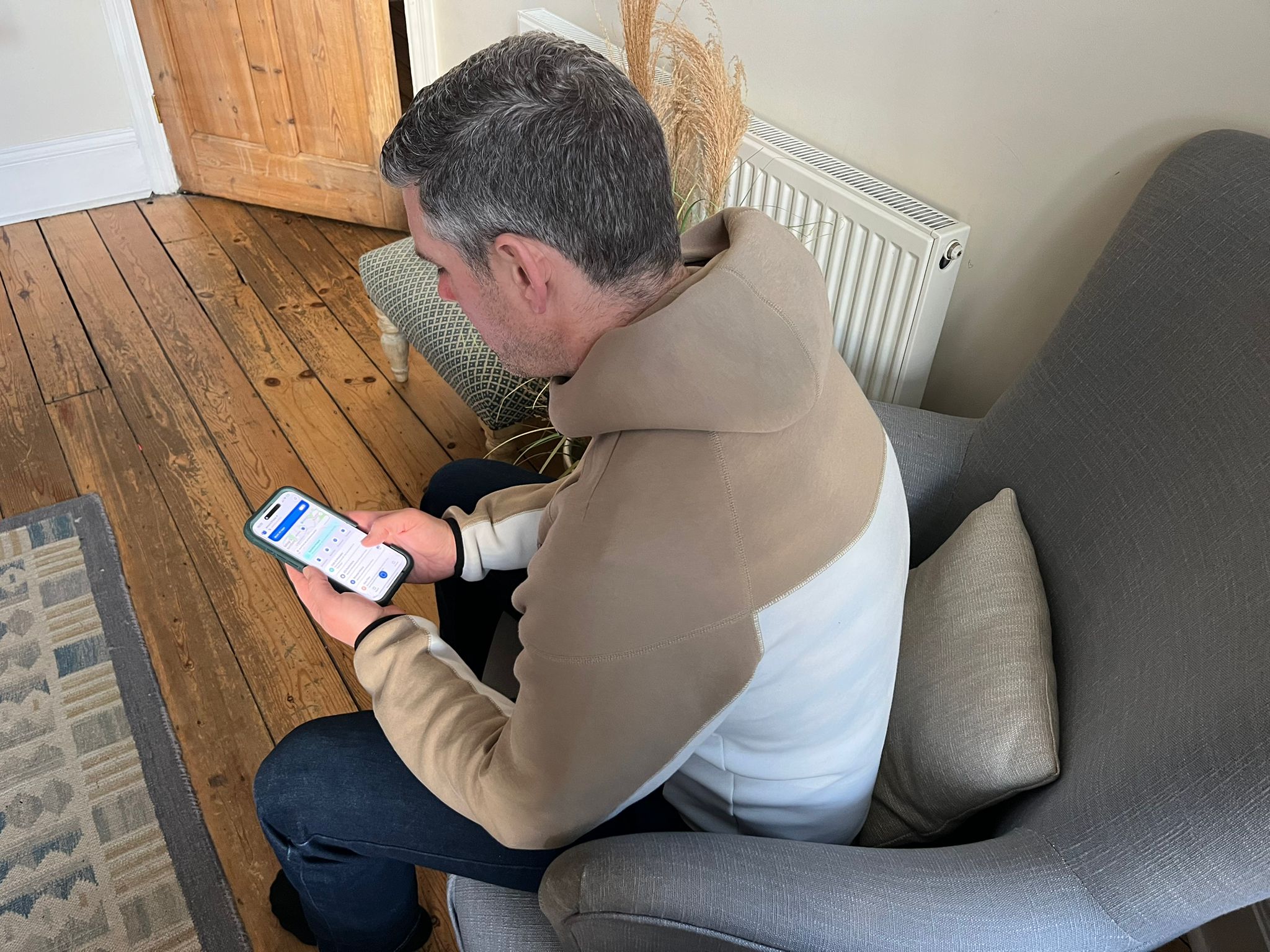
Image credit: Nick Francis // Digital Safety Squad
How Much Does FamiSafe Cost?
| Plan | Advertised price | Device allowance |
|---|---|---|
| Annual | $59.99/year | Up to 10 |
| Quarterly | $19.99/quarter | Up to 8 |
| Monthly | $9.99/month | Up to 5 |
These figures reflect FamiSafe's Family web-store offer checked on 21 October 2026. Another official FamiSafe pricing page advertises the same annual price for up to 30 devices and the quarterly price for up to 10. The allowance therefore depends on the specific offer and purchase route. Check the device count shown in the order before paying.
The dated annual checkout example with GBP selected was £44.94 plus tax, about £3.75 a month equivalent. It is a purchase-route example, not a universal UK tariff or a guaranteed tax-inclusive total. The US annual price is about $5.00 a month equivalent, paid annually; regional and app-store offers can differ.
The annual checkout offers three days free, followed by recurring annual billing unless cancelled. It requires progressing through checkout, so it should not be described as a no-payment-details trial. FamiSafe advertises a seven-day money-back guarantee, subject to its refund conditions; purchases through app stores follow the relevant store process.
For several compatible devices, the annual price is reasonable if location information and content alerts will actually be used. The case is weaker for one device needing only basic limits. The inconsistent device allowances and subscription-handling complaints make the order details part of the value decision.
Is FamiSafe Safe?
FamiSafe can collect sensitive family information, including location and activity data, and content captured by enabled monitoring features. I think the main privacy decision is how much of that information a family needs to collect in the first place.
Wondershare's FamiSafe privacy policy describes administrative, technical and physical safeguards and says it does not share, sell, rent or trade personal data for third-party promotional purposes. It also permits sharing with affiliated companies and service providers and disclosures for legal or business reasons. That is more specific than saying family information is never shared.
Screenshots and location histories can reveal private information about the child and other people. Published safeguards are relevant, but they do not establish that every feature stores its data only on the device or that an independent audit has verified the service. The decision is whether the visibility gained justifies that collection.
FamiSafe on iPhone, Android and Other Devices
FamiSafe documents support for Android, iOS, Kindle Fire, Windows, Mac and Chromebook devices, with different feature sets. A supported operating system does not mean every monitoring function is available there.
For an iPhone, check the current device-specific requirements, including profile installation, Screen Broadcast consent for screenshots and any computer-assisted setup required for the chosen feature. Android offers wider access to certain social-app activity, but app versions and permissions still matter. The parent app's familiar appearance cannot remove those differences.
Who It's Best For
FamiSafe is most useful for families combining several needs: screen time rules, location coordination and warnings about concerning content. It suits a parent who has time to check alerts and explain the monitoring, rather than a family looking for a completely hands-off safety service.
For a teenager, agree what is being monitored and why. Our guide to choosing a parental control app helps match the level of oversight to the family, while talking to children about online safety gives those alerts a useful place in family discussions.
FamiSafe Customer Reviews
On 21 October 2026, FamiSafe's Trustpilot profile showed 1.9/5 from 130 reviews. Recent complaints discuss setup, controls not behaving as expected and subscription charges after attempted cancellation; the company has replied to those complaints.
This is a small, self-selected sample, and some older reviews on the profile discuss other Wondershare products. It is not a clean survey of FamiSafe users. I take the specific reliability and billing concerns seriously without treating the score as proof of how every family will get on.
Alternatives & Competitors
Kidslox is a useful comparison when the main priority is repeatable screen time limits and an easy Lock control. Qustodio offers another approach to app rules and reporting, while Bark puts more emphasis on safety alerts across supported services. Their platform coverage and setup requirements differ, so the relevant comparison is the child's actual device and the problem being addressed.
FamiSafe's broader collection earns its place only when the extra location and content information changes what a parent can usefully do. For a family needing a narrower tool, compare the specific controls rather than the length of the feature list.
FamiSafe in 2026: Compatibility and Features
The current product puts more emphasis on social-app content detection, screen viewing and activity timelines. Those newer features broaden the package, although I haven’t retested every one of them as part of this update. The important purchasing check is which features work on the particular child device, not how many appear in a general feature list.
Final Verdict
FamiSafe gives parents considerably more visibility than a basic screen time app, and some of that information can be genuinely useful. Location alerts and content warnings were the features that gave me the clearest reason to use it.
The trade-off is that an alert still needs context, iPhone monitoring is more restricted than Android, and the app collects a substantial amount of family data when its wider features are enabled.
I’d consider FamiSafe for families who specifically want location and content monitoring alongside everyday parental controls. If screen time is the main concern, there are simpler options.
Nick Francis
Nick Francis is Lead Researcher & Writer and a co-founder of Digital Safety Squad. A journalist, researcher, writer and editor with more than two decades of experience in journalism and digital content, he brings an investigative approach to digital safety topics, evaluating sources and making complex information accessible to readers.
His work has included contributions to ExpertMarket.com and Techopedia.com, covering cybersecurity, digital risk and technology. At Digital Safety Squad, he contributes research, writing and editing across family safety, small business protection and emerging AI-driven risks, helping readers understand online threats and the practical steps they can take to protect themselves.
As a father of two, Nick brings a personal perspective to family safety and the challenges of raising children in a changing digital world. His focus is on clear, evidence-led guidance that helps individuals, parents and small businesses make informed decisions.
Frequently Asked Questions
Does FamiSafe support unlimited devices?
No. The Family web-store offer checked on 21 October 2026 listed ten devices annually, eight quarterly and five monthly. Another official pricing page listed 30 annually and ten quarterly, with five monthly. The allowance depends on the offer and purchase route; use the count shown in the order.
Does FamiSafe work on an iPhone?
Yes, but its capabilities differ from Android. iOS limits access inside other apps, and Screen Viewer needs a compatible device and the child's Screen Broadcast permission. Do not assume it provides a complete archive of private messages.
Can FamiSafe monitor WhatsApp, Instagram and Snapchat?
It documents social-app detection on supported platforms, particularly Android. Coverage varies by app and operating system. An iOS screenshot feature is not equivalent to unrestricted access to every conversation.
How much does FamiSafe cost in the US and UK?
The Family web-store example was $59.99 annually, $19.99 quarterly or $9.99 monthly. A dated GBP annual checkout showed £44.94 plus tax, about £3.75 a month equivalent. Device allowances differ between official offers, so this is not a universal UK tariff or device limit.
Is the FamiSafe trial free?
The annual web checkout offers three days free with payment details, then a recurring annual subscription unless cancelled before the deadline. The advertised seven-day refund window is conditional. App-store purchases follow the relevant store's billing and refund process.
Can children bypass FamiSafe?
No parental control is impossible to bypass. Permissions can be lost or changed, and supported features vary. Check that rules still work after updates and explain the boundaries rather than relying on the app alone.
Does FamiSafe affect battery life?
I noticed battery impact during use, particularly with ongoing location and monitoring enabled. There is no reliable universal percentage: the device, settings, signal and usage affect the result.
Can I use different rules for each child?
FamiSafe allows parents to manage linked child devices and apply controls to their needs. Review the available settings on each operating system. Family technology rules help make those differences understandable to children.
Is FamiSafe better than free parental controls?
It can add useful location and content information, but it is not automatically a better purchase. If Apple Screen Time or Google Family Link already solves the problem, the extra subscription and data collection may be unnecessary.