PERSONAL SAFETY
PHP Security Alert: What It Is and What to Do

Nick Francis
Co-Founder & Lead Researcher · 27 October 2026
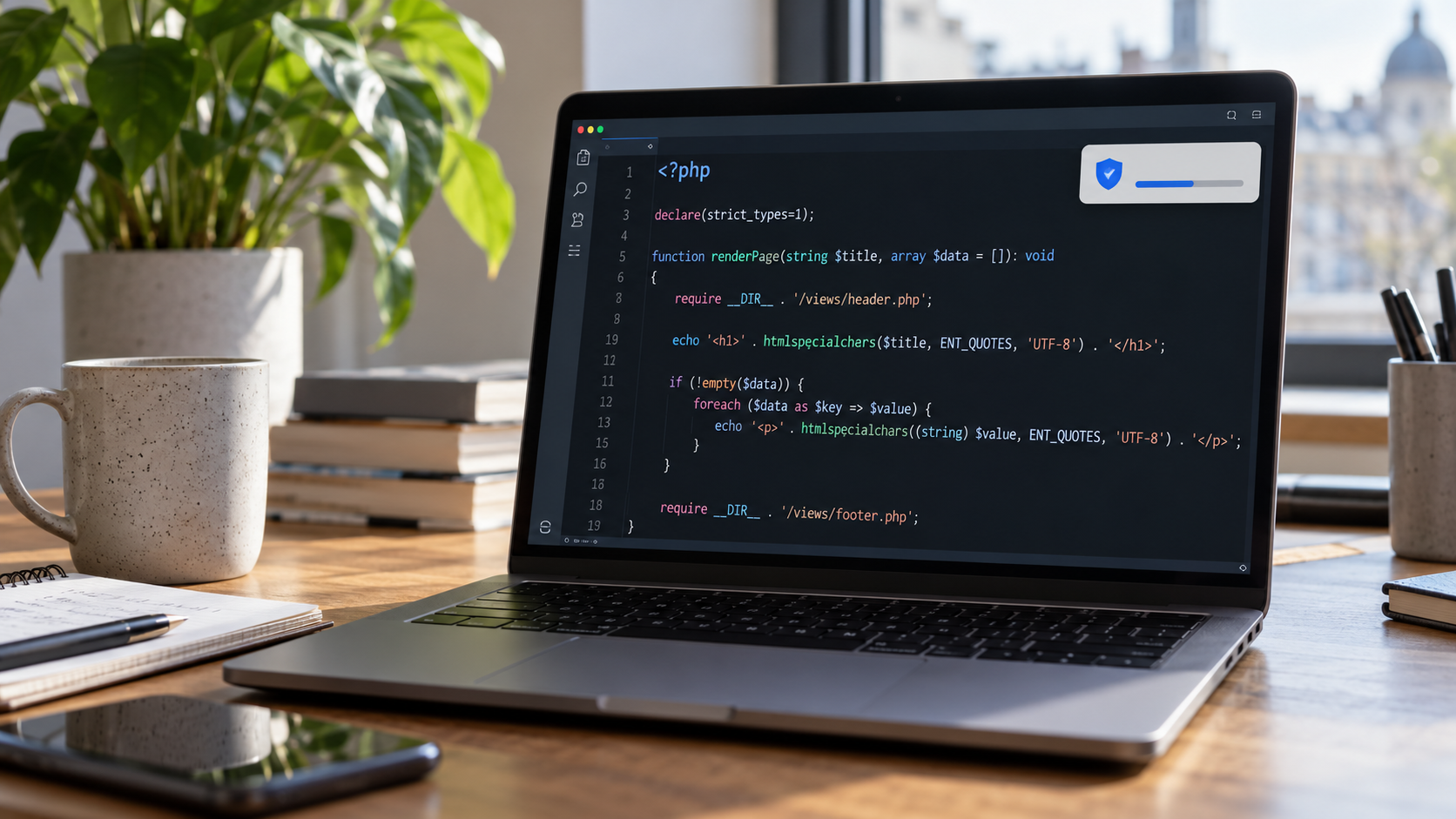
If you run a WordPress site, blog or small business website, you've probably spent part of the last week checking security updates. PHP, the software behind millions of websites, has been hit by three security vulnerabilities, two of which are considered critical.
The flaws could allow criminals to take control of vulnerable servers, potentially exposing customer information or disrupting websites. Security patches are available for the first two, while a third vulnerability disclosed on 23 October requires additional precautions.
Here's what we know about the incident, which websites may be affected and what you should do.
Summary
- Three PHP vulnerabilities were disclosed between 21 and 23 October 2026.
- Two critical flaws could allow attackers to execute malicious code on vulnerable servers.
- Website owners should confirm their PHP installation has received the necessary security updates.
- There is no evidence that every affected website has been breached. Consumers should remain alert to suspicious account activity and phishing attempts.
What Happened With PHP?
On 21 October, PHP developers released emergency patches for two security flaws, CVE-2026-109618 and CVE-2026-109619. Both received severity scores of 9.2 out of 10.
The vulnerabilities involve errors in how PHP handles memory. An attacker exploiting them could potentially execute code on a vulnerable server without needing an account or login credentials.
Depending on the website and its configuration, that could mean accessing sensitive information, changing website content or interfering with services.
A third vulnerability, CVE-2026-115560, was disclosed on 23 October. It affects a narrower combination of settings, and administrators have been advised to apply a temporary safeguard while a permanent fix is prepared.
The PHP development team has published details of the vulnerabilities, affected environments and available security updates.
Which Websites Could Be Affected?
PHP is used by WordPress and many other website platforms, including eCommerce and membership systems.
That means the issue is relevant to businesses processing customer orders, bloggers managing WordPress sites and creators collecting information through subscriptions or contact forms.
Whether an individual website is still vulnerable depends on its PHP version, hosting setup and the protections already applied.
Several managed hosting providers have installed security updates on their infrastructure. However, anyone managing their own server or VPS needs to check that PHP has been patched.
Importantly, updating WordPress plugins or themes won't fix a vulnerability in PHP itself.
If you're responsible for a website, check your hosting provider's security notices and confirm that the relevant fixes have been applied. PHP has also recommended additional precautions for the third vulnerability.
Has Your Personal Information Been Exposed?
The announcement of a vulnerability doesn't mean customer information has been stolen.
However, websites running PHP can hold considerable amounts of personal information, including names, email addresses, login details and purchase histories.
If criminals successfully compromise a server and gain access to that information, it could be used for phishing, identity theft or attempts to access other accounts.
Consider someone receiving an email that appears to come from a retailer they've recently purchased from. If the sender knows their name, order details and email address, a fraudulent payment request becomes much more convincing.
This is one reason identity theft protection services increasingly include monitoring for exposed personal information alongside fraud alerts.
There has been no confirmed widespread theft of customer data linked to every PHP installation affected by these vulnerabilities.
What Should You Do?
For website owners, the priority is checking that the underlying PHP installation has been secured. For everyone else, it's worth reviewing a few account-security basics, particularly if you use websites that may have been affected.
1. Check your passwords and account security
Use unique passwords for important accounts, particularly email, banking and online shopping, and enable multifactor authentication (MFA).
If one website is compromised, reusing the same password elsewhere can put several accounts at risk.
All-in-one security suites can help manage passwords, protect devices and monitor certain types of account exposure, depending on the product.
2. Be careful with security emails
Criminals sometimes take advantage of genuine security incidents by sending convincing emails claiming an account needs urgent attention.
A message referring to the PHP vulnerability could still be fraudulent.
If you receive an unexpected password-reset request, payment warning or security notification, visit the company's website directly before taking action.
It's also worth knowing how to recognise phishing emails, particularly when messages contain accurate personal details.
3. Review your personal information
Keep an eye on account activity, enable banking alerts and follow any instructions from companies that confirm your information has been compromised.
You can also check how much information about you is already publicly accessible. Removing unnecessary personal information online can reduce the details available to people attempting impersonation or targeted scams.
If a company confirms that your login credentials have been exposed, change the affected password and any others you've reused.
What Happens Next?
PHP has released patches for the two critical vulnerabilities, and further updates are expected to address the third.
Website owners should continue monitoring security announcements and confirm that their hosting environments are protected.
For consumers, there's no need to assume personal information has been stolen simply because a website uses PHP. But if a service you use reports a confirmed breach, pay attention to what information was affected and act on its recommendations.
For now, the priority is getting vulnerable websites patched and making sure a problem with one account doesn't put everything else at risk.