PERSONAL SAFETY
Cyberattack Hits 100+ Websites: Here’s What to Do If You’re Affected

Jade Artry
18 November 2026
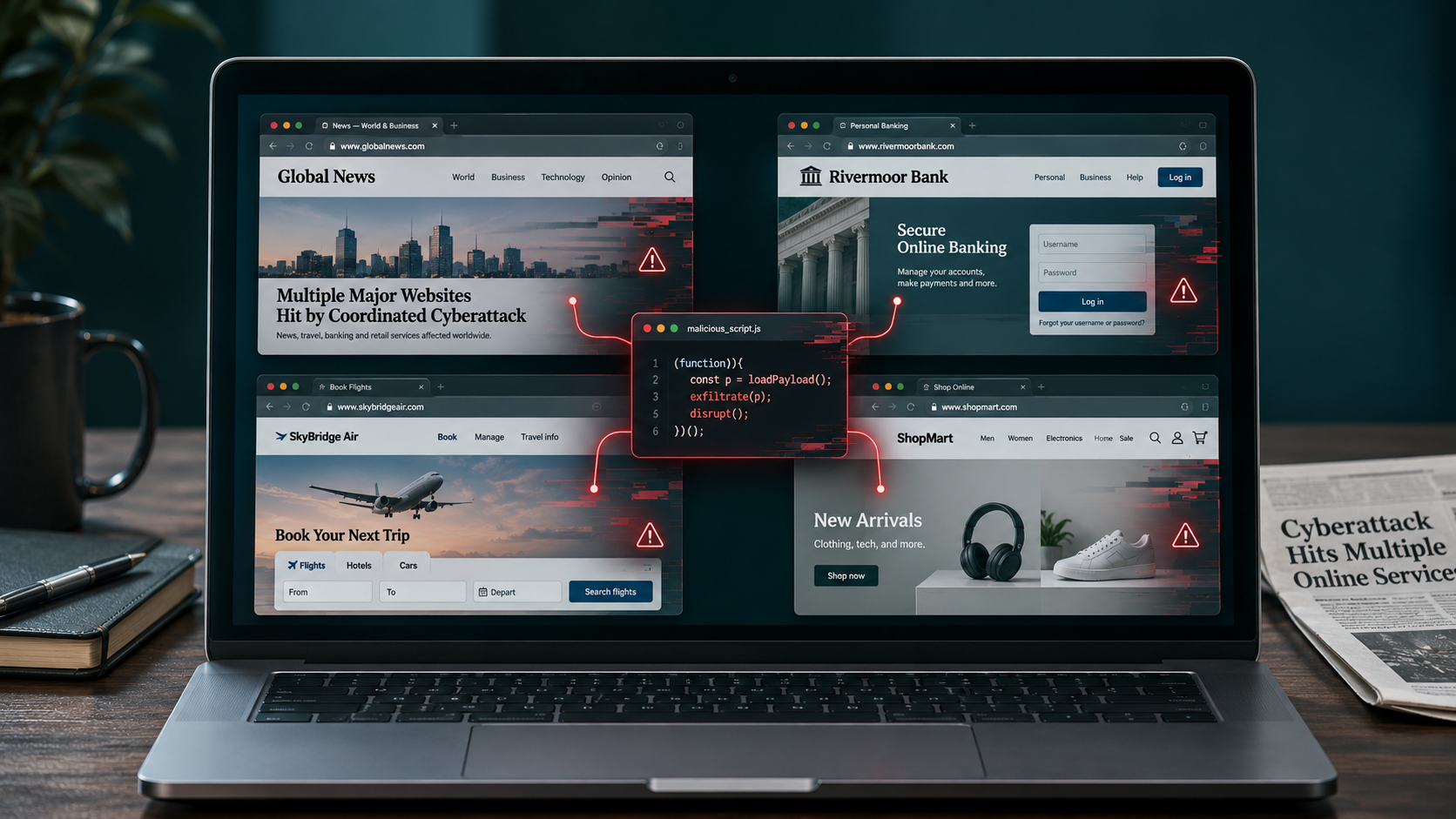
A cyberattack involving website software provider Optimizely has affected websites linked to major organisations, including the BBC, CNN, Zoom and Equifax. The malicious code was designed to target payment details and cryptocurrency transactions, raising concerns for people who visited affected pages. Visiting a named website doesn’t mean your information was stolen, but there are steps you can take to check your accounts and protect yourself.
Summary
- Researchers identified affected scripts associated with 178 organisations, covering more than 100 website domains.
- The code was designed to target payment-card details and cryptocurrency wallet addresses.
- Optimizely says it has fixed the vulnerability and removed the malicious code.
- The number of people whose information may have been stolen is not yet known.
What Happened?
Attackers exploited a vulnerability in Optimizely, a company whose software helps businesses test changes to their websites. They inserted malicious code into some customer projects, allowing it to potentially run in visitors’ browsers when they opened affected pages.
Optimizely says the first malicious code was written at 07:51 UTC on 16 November. The company says it fixed the vulnerability later that day and removed the injected code from affected projects by 22:24 UTC. Its investigation is continuing.
Which Websites Were Affected?
Researchers at Report URI identified 188 affected scripts associated with 178 organisations. Their list includes websites or services linked to:
- News: BBC, CNN, Fox News and Top Gear.
- Shopping: ASOS, American Eagle, American Girl and IKEA’s home-design service.
- Technology: Zoom, GitLab and Salesforce.
- Entertainment: Peacock, NOW TV, Starz and D&D Beyond.
- Travel: Alaska Airlines, Hawaiian Airlines, Air France-KLM and Contiki.
- Telecoms: Virgin Media, O2, Mint Mobile and TalkTalk.
- Finance: Equifax, ABN AMRO, TaxAct and Funding Circle.
- Other services: Ledger, Change.org, UNICEF USA and Starbucks Canada.
The findings relate to specific websites or services, not necessarily every site run by each organisation. Being named also doesn’t establish that customer information was stolen. Report URI’s investigation includes a fuller list of the website addresses it identified.
Salesforce said it was investigating modified scripts used on certain websites and had disabled them as a precaution. Equifax said it had found no evidence of a compromise to its systems or impact to its data. HSBC, which also appears in the researchers’ list, disputed that unauthorised scripts had been active on its websites.
If you used a named website, check the organisation’s own security notices for updates and instructions for customers.
Could Your Information Be at Risk?
The malicious code could target payment-card details entered into certain website forms, according to Optimizely’s initial incident report. It could also replace copied cryptocurrency wallet addresses, potentially sending a payment to an attacker.
The risk depended on the website and how it handled payments. Optimizely says the code could not access payment forms hosted separately by a payment processor.
Report URI also identified code it says could capture some browser data and screenshots and direct certain older iPhones and iPads towards software designed to exploit security weaknesses. Optimizely’s initial report describes narrower circumstances for the capture of cookies and screenshots. The full impact remains under investigation.
There is no confirmed number of people whose information was stolen. Simply opening a website named in the investigation doesn’t mean your account or payment details were compromised.
What Other Incidents Have Happened Recently?
The Optimizely attack follows a series of security incidents and technology disruptions affecting services people use every day, from supermarkets and airlines to banks and email.
Some were confirmed cyberattacks or data breaches. Others were blamed on technical problems.
Supermarket fridges in Europe. In October, a cyberattack targeted refrigeration controls at around 700 French shops and supermarkets, causing food to spoil and fires at some locations. France said in November that an Iranian state-linked group was responsible. Similar refrigeration problems were reported in other European countries on 2 November.
Airline passenger data. In November, airlines reported that passenger information had been exposed through companies providing their booking and check-in technology. airBaltic said around 618,000 reservation records were affected at an external provider. The information included names, booking references and flight details, but not payment or travel document details. Other airlines, including Finnair, reported a separate incident involving travel technology company Amadeus.
Uber driver information. In notices filed in the US on 10 November, Uber said an unauthorised person had used stolen login details to access Uber data held by a service provider in October. Uber has been notifying affected people and offering support.
US flights grounded. On 13 November, a communications failure led the US Federal Aviation Administration to temporarily stop departing flights nationwide. Thousands of flights were cancelled. The FAA said it had found no indication of a cyberattack or outside malicious actor.
Banking and airline disruption. On 16 November, some US customers experienced banking problems, while United Airlines experienced a computer issue that disrupted flights. Chase attributed its issue to a software bug and said it was not cyber-related. United’s disruption was described as a computer problem.
Microsoft 365 outage. Outlook and other Microsoft services were disrupted on 12 and 13 November. Microsoft said the outage was caused by a technical issue, not a cyberattack.
These events show how much everyday life depends on connected systems, whether the cause is an attack or a technical failure. When personal information is exposed, the practical risks can include convincing scam messages, unauthorised account access and fraudulent transactions.
See our timeline of major international security incidents for the latest updates, what happened and what to do if you’re affected.
What Should You Do If You’re Affected?
The steps that matter depend on what you did on the website. If you only read an article, your risk may be different from someone who entered card details or sent cryptocurrency.
1. Check your bank transactions if you paid by card
Look for payments you don’t recognise, particularly if you entered your card details on an affected website on 16 November. Turn on transaction alerts if your bank offers them.
The malicious code was designed to capture card details entered into some website payment forms. Checking your account can help you spot an unauthorised payment early. If you see one, contact your bank or card provider straight away using the number on your card or in its official app.
2. Review your accounts for unusual activity
Look for unexpected sign-in alerts, password-reset emails or changes to your account details. If anything looks unfamiliar, sign out of other sessions through the account’s security settings and change your password.
Some browser data can help a website remember that you’re signed in. If that data is stolen, it may give an attacker access to an active session. Signing out of other sessions can invalidate existing sessions, depending on the service.
Use a unique password and turn on multifactor authentication (MFA), which asks for an additional check when you sign in. A password manager can help you keep track of unique passwords, while MFA makes a stolen password harder to use. Some all-in-one security suites include a password manager. MFA may not stop someone using a session that was already active.
3. Update your phone and browser
Install the latest available updates for your phone, tablet and browser. Security updates fix known weaknesses that criminals can use to access devices or information.
Report URI found code designed to target certain older iPhones and iPads. Updating helps protect your device against known vulnerabilities, including those already fixed by the manufacturer.
4. Check cryptocurrency transfers
If you sent cryptocurrency while using an affected website, compare the address you sent it to with the intended recipient’s address.
The malicious code was designed to swap cryptocurrency wallet addresses, potentially redirecting a payment to an attacker. If the addresses don’t match, contact the exchange or wallet provider you used as soon as possible. Cryptocurrency transfers can be difficult to recover.
5. Treat unexpected security messages with care
Be cautious of emails or texts claiming that you need to urgently secure an account, replace a card or pay a fee because of this attack. Criminals can use real news stories to make scam messages look credible.
Open the company’s app or type its website address yourself to check for a genuine alert. Our guide to checking whether an email is a scam explains the warning signs.
6. Watch for signs that your information is being misused
If an organisation confirms that your personal information was exposed, check what was involved and follow its instructions. Exposed card details call for different action from an exposed email address.
Some identity theft protection services monitor for certain uses or exposures of personal information and provide alerts. They can help you spot some problems, but they don’t prevent every instance of fraud. Banking alerts and regular account checks are useful regardless of whether you pay for a service.
What Happens Next?
Optimizely says it has removed the malicious code, and organisations are continuing to investigate the potential impact on their websites and customers.
Keep an eye on updates from services you used. If a company confirms that your information was affected, follow its guidance and take action based on the details involved.